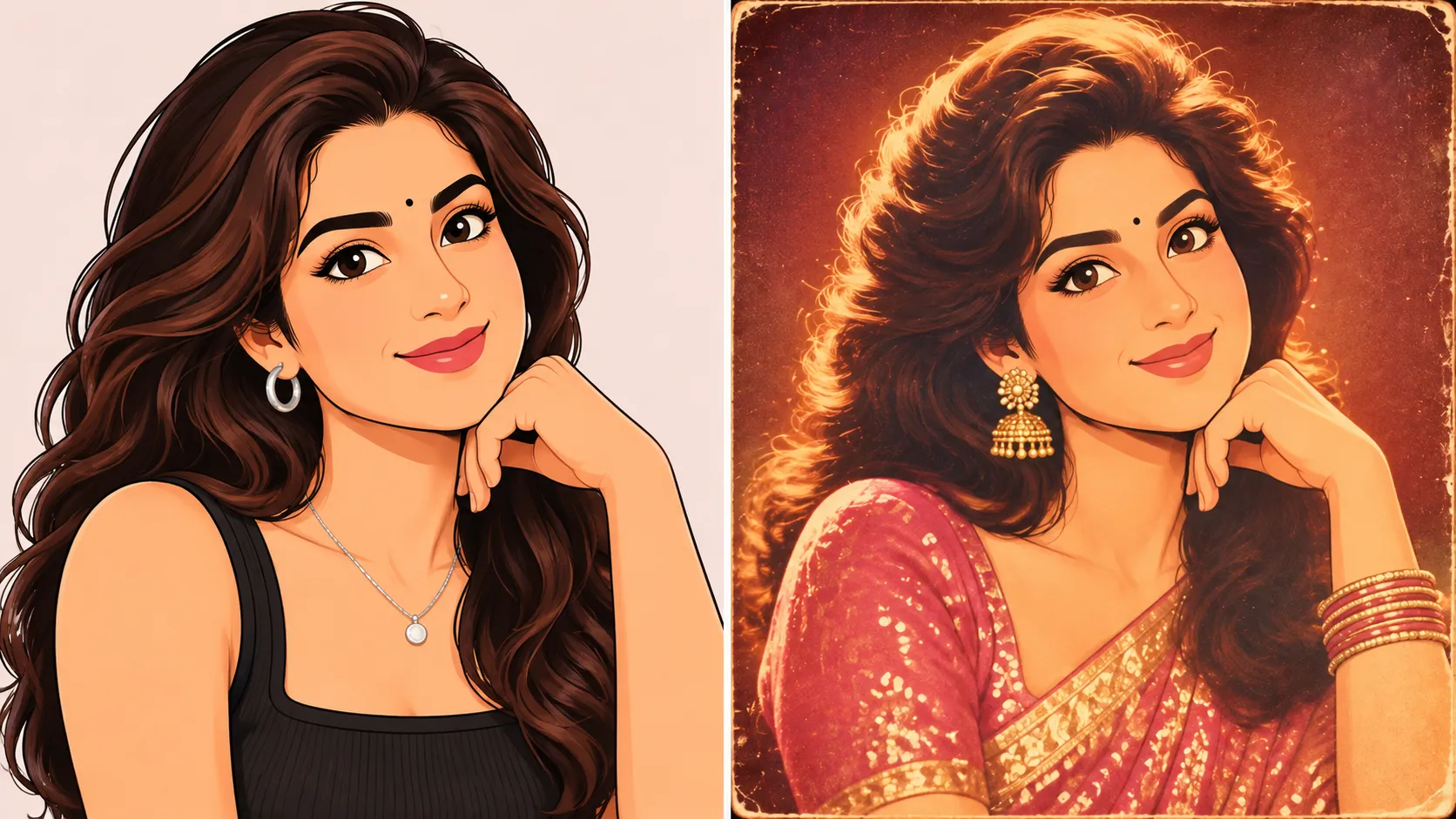
# Retro Photos Are Back: How to Create Vintage Looks While Keeping Your Pictures Private
Remember those old family photo albums filled with faded colours, soft lighting, and pictures that seemed to capture a completely different time?
That look is making a comeback.
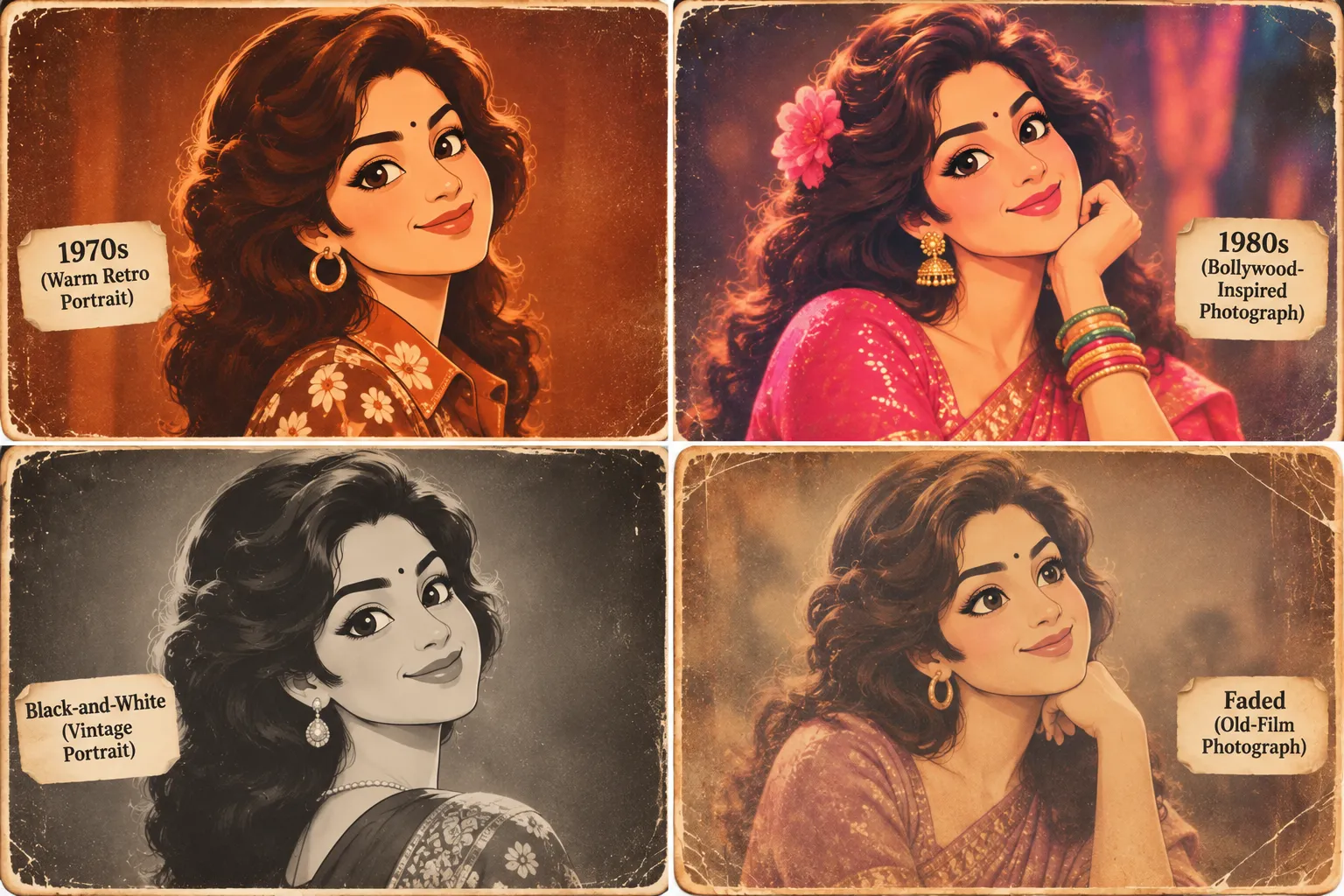
From vintage Bollywood-inspired portraits to photographs that look like they were taken in the 1970s or 1980s, retro-style pictures are everywhere. People are giving their modern photos an old-school makeover, experimenting with classic film effects, warm colours, and nostalgic backgrounds.
AI image generators have made these transformations easier than ever. Upload a picture, describe the style you want, and you can get a completely different version of yourself in seconds.
It’s fun, but there’s one thing many people overlook: what happens to your original photo after you upload it?
This matters even more when you’re editing personal pictures of your children, parents, partner, or other family members.
The good news is that you don’t always need a generative AI tool to give your photographs a retro look. If you simply want vintage colours, an old-film effect, or a classic photo finish, you can use more traditional editing tools.
SafeImageKit offers browser-based image editing tools that can help you experiment with vintage effects while keeping privacy in mind.
There’s something special about old photographs.
Maybe it’s the warm colours, the grainy texture, or the way vintage pictures remind us of childhood memories and family photo albums.
A retro photograph doesn’t always need to look perfect. In fact, small imperfections such as faded colours, film grain, and softer details are often what make it interesting.
That’s part of the appeal.
People are using vintage photo effects to create:
Some people want a complete AI-generated transformation, while others simply want to make an existing photograph look as though it was taken decades ago.
Both approaches can produce interesting results, but they work differently.
If you only want to change the colours, lighting, or texture of your photo, a simple vintage filter may be enough.
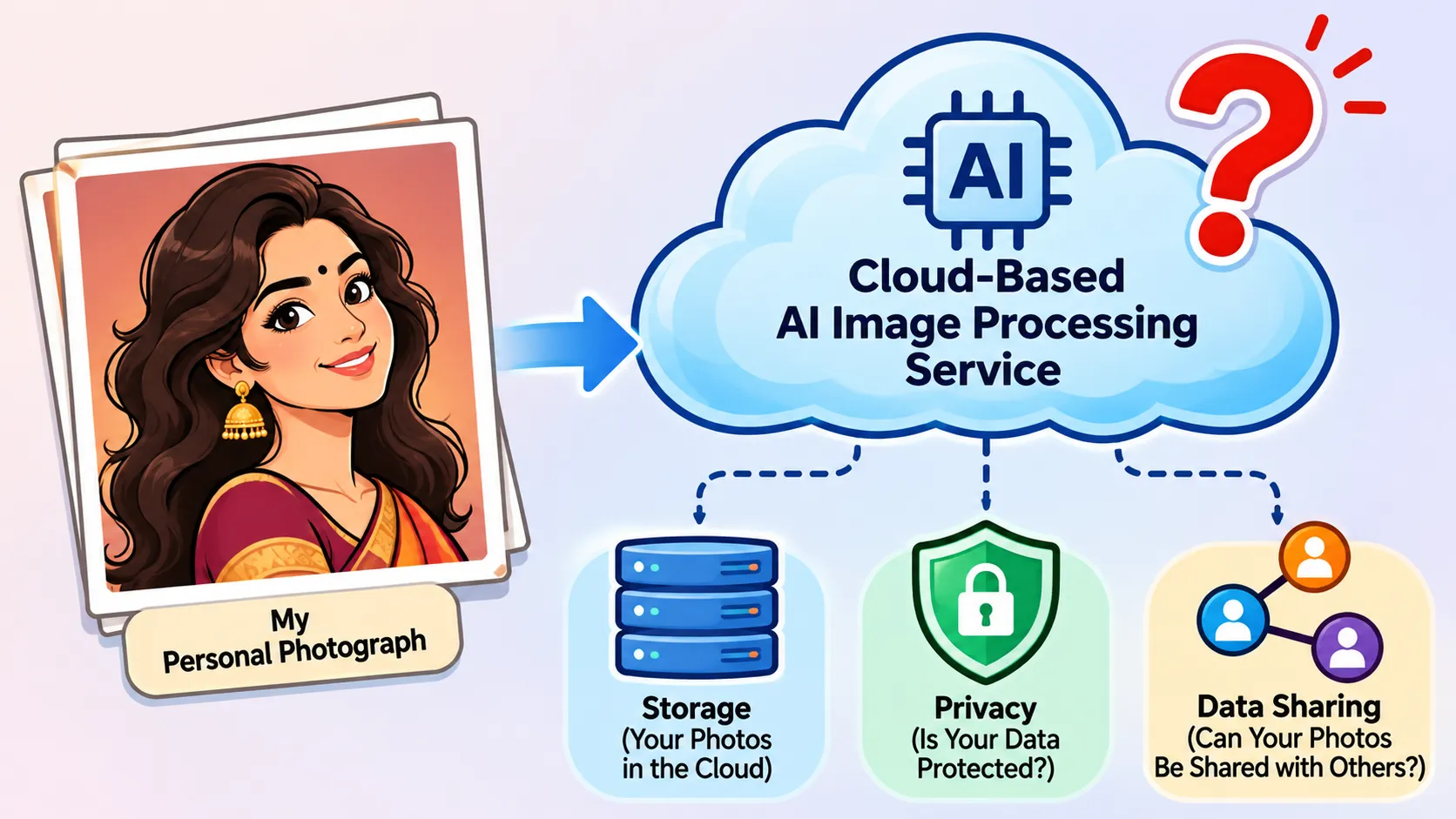
Creating an AI retro photo usually starts with uploading an image.
You choose a photo from your phone or computer, enter a prompt describing the style you want, and let the platform generate a new version.
But have you ever wondered where your picture goes during that process?
Depending on the platform, your image may be sent to a remote server for processing. The service may also have its own rules about how long images are stored and how uploaded content is used.
That doesn’t mean every AI image generator is unsafe. Many platforms offer privacy settings and explain how they handle user data.
Still, it’s worth checking a few things before uploading personal photographs.
These questions become especially important when the pictures contain personal details.
A family photograph, for example, might show your home’s interior, a child’s school uniform, or something in the background that reveals your location.
You may not notice these details when you’re focused on creating a beautiful retro portrait.
Taking a minute to understand how a website handles your photographs is a sensible step before uploading them.
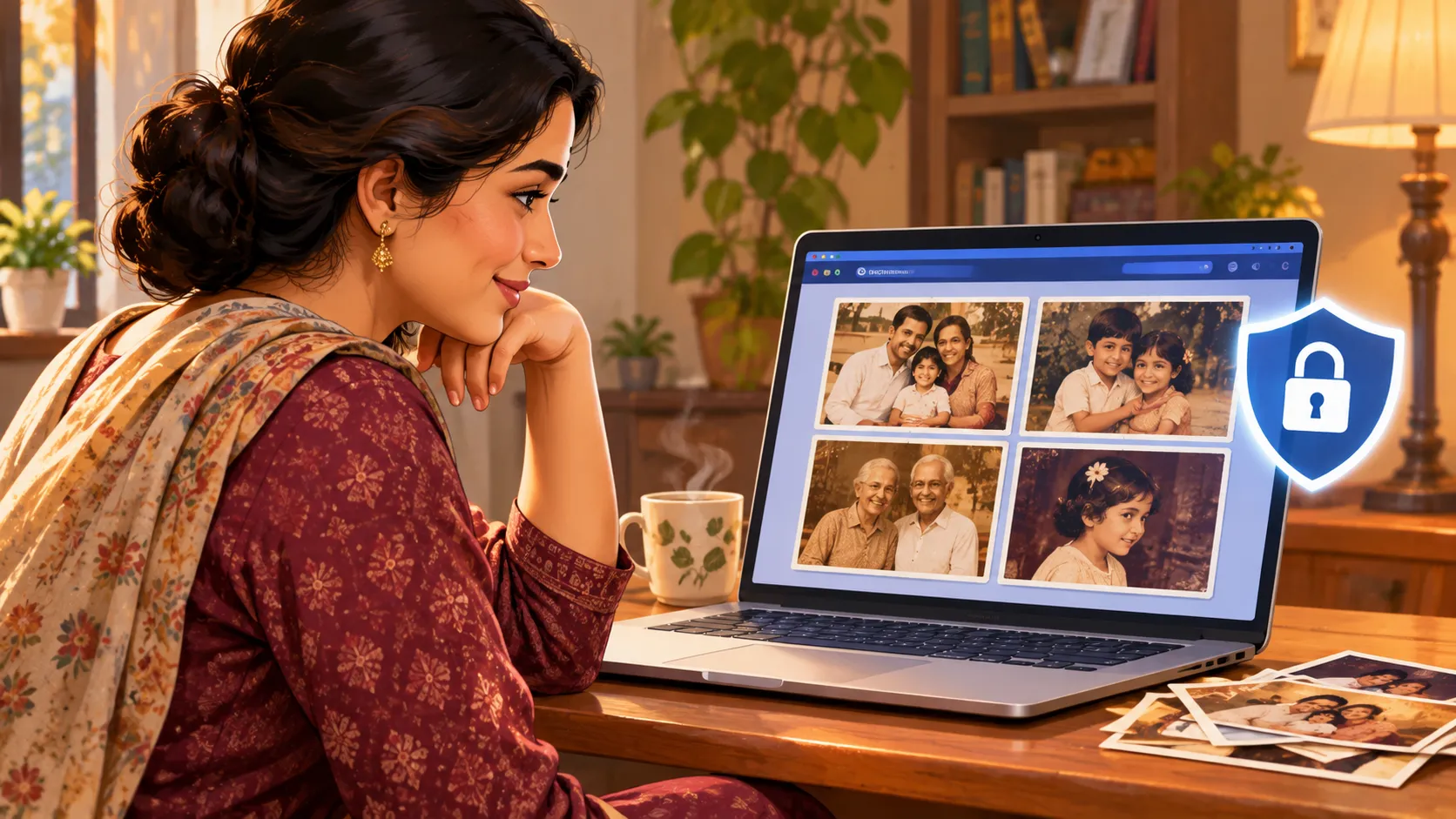
Imagine finding a lovely photograph of your child and deciding to turn it into a vintage portrait.
Maybe you want to create a birthday greeting, surprise a grandparent, or simply see how the picture looks with an old-fashioned effect.
There’s nothing wrong with wanting to do that.
But photographs of children and family members deserve a little extra care, especially when you’re using unfamiliar online platforms.
Personal images can sometimes be copied, edited without permission, or used to create fake profiles and misleading content.
AI technology has also made it easier to manipulate photographs in ways that look surprisingly realistic.
That doesn’t mean you should stop editing family photos. It simply means choosing the right tools and being mindful of how you share the results.
Even if you use a tool that processes images locally, remember that privacy also depends on where you share the final result.
The goal isn’t to stop enjoying creative photo editing. It’s to enjoy it without sharing more personal information than necessary.
Not every vintage photograph needs to be created using generative AI.
Sometimes, all you need is a little film grain, a warmer colour tone, or a faded photo effect.
That’s where traditional image editing tools can be useful.
SafeImageKit offers different tools for editing, resizing, filtering, and preparing images online.
According to SafeImageKit, its supported browser-based editing tools process image files locally rather than sending them to a server for the editing operation.
This can be useful when you want to make simple changes to personal photographs without automatically submitting them to an external AI image generator. It’s still worth checking the privacy information for the specific tool you’re using.
Here are a few ways you can experiment with your photographs.
Want your photograph to look like it came from an old camera?
Start with a vintage-style filter.
Old-film effects can add details such as faded colours, scratches, grain, and subtle darkening around the edges.
These small changes can make a modern photograph feel much older.
For example, you could take a regular portrait and give it the appearance of a photograph from the 1970s.
You can explore SafeImageKit’s Old Film Filter, along with its other Filters and Effects tools.
Try different settings until you find a look that suits your picture.
Not every retro picture needs the same appearance.
Some photographs look better with warm sepia colours, while others work beautifully in black and white.
You can also experiment with softer contrast, muted colours, or a slightly grainy finish.
SafeImageKit’s Photo Filters and Image Editor provide options for changing how your photographs look.
A few styles worth experimenting with include:
You can try a few different combinations rather than settling for the first result.
You’ve created a vintage photograph that looks great.
Now you want to use it as a profile picture, send it to relatives, or add it to a digital birthday card.
The problem? Your image might not fit the required dimensions.
Instead of stretching it or cropping it randomly, resize it to suit where you plan to use it.
SafeImageKit has an Image Resizer that can help you adjust an image’s dimensions.
Resizing is particularly useful for preparing:
Before downloading, check that your subject is still visible and the image hasn’t become distorted.
High-resolution photos are great for preserving memories, but they can also take up a lot of storage space.
If you have hundreds of pictures saved on your phone or laptop, large file sizes can become inconvenient.
The same is true when you’re trying to email photographs or share them through applications with upload limits.
SafeImageKit provides Image Compression tools that can help reduce file sizes.
Compression can make images easier to store and share, although stronger compression may also reduce visual quality.
For photographs you want to preserve long-term, keep an original high-quality copy before compressing them.
Sometimes, a photograph just needs a little improvement before you give it a retro finish.
Maybe the image is too dark, the colours are too strong, or the overall appearance isn’t quite what you want.
You can use SafeImageKit’s Image Editor to explore adjustments such as brightness, contrast, saturation, and filters.
A simple workflow could look like this:
The key is not to overdo the editing.
Sometimes, a subtle vintage treatment looks more natural than adding several strong effects at once.
You can also explore SafeImageKit’s Animation Tools if you want to try other creative image treatments.
This is an important distinction.
Applying a vintage filter isn’t the same as generating a completely new photograph with AI.
Let’s say you upload a modern picture of yourself.
A traditional photo filter can change the colours, add film grain, adjust the lighting, or give the picture a faded appearance.
But it won’t necessarily turn your outfit into a 1970s saree, change your hairstyle, or place you inside an old Bollywood movie scene.
That kind of transformation generally requires a generative AI image tool.
Here’s a simple comparison:
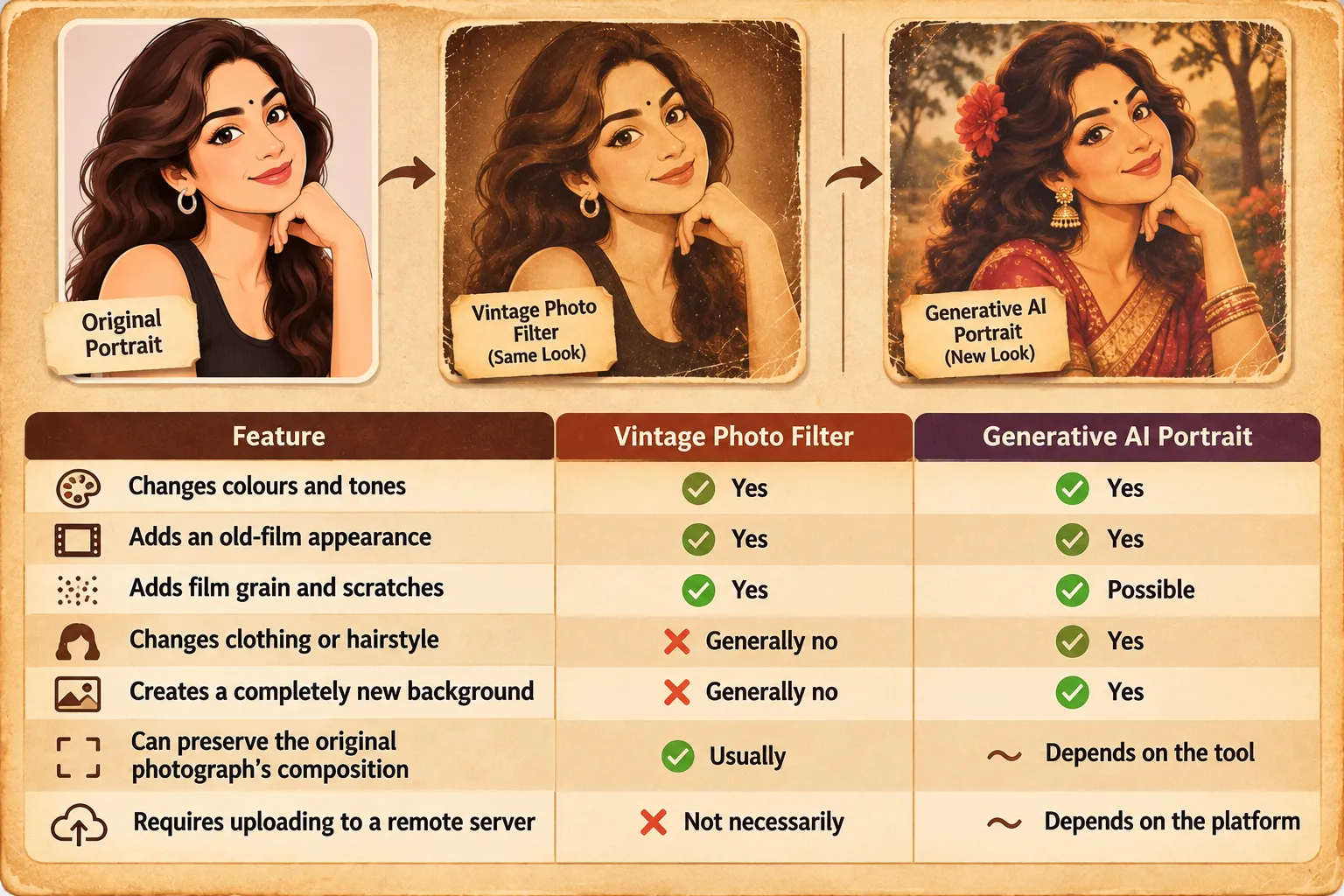
SafeImageKit’s filters are useful when you want to change the appearance of an existing image.
They shouldn’t be confused with a generative AI platform that creates an entirely new portrait from your photograph and a text prompt.
If your main goal is to recreate the feeling of an old photograph, a filter may be all you need.
Once you’ve created a retro photograph you love, you’ll probably want to show it to someone.
Maybe it’s a vintage-style picture of your parents, a family portrait, or a nostalgic version of an old photograph.
Sharing these memories can be part of the fun.
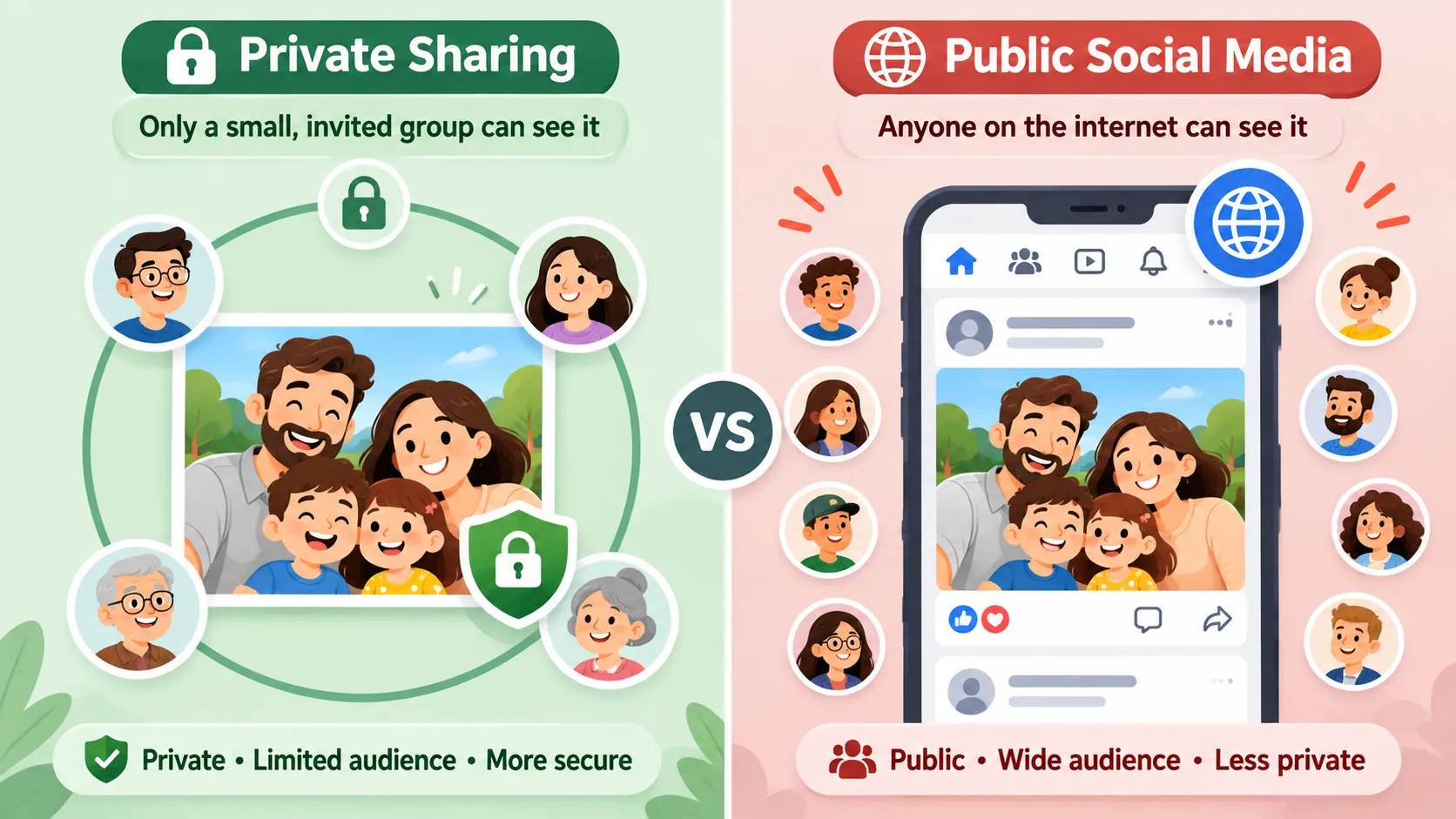
But it’s worth taking a moment to check what you’re sharing and who will be able to see it.
Before posting, ask yourself:
You don’t need to worry about every little detail. Just be thoughtful about photographs that are personal or sensitive.
If location information is a concern, SafeImageKit also offers a Remove EXIF tool category to explore for image metadata.
Remember, removing metadata doesn’t hide information that’s visible inside the photograph itself.
A little care before sharing can help you enjoy your creative pictures while respecting everyone’s privacy.
Retro photography offers plenty of room for creativity.
Some people love the classic black-and-white look. Others want warm Bollywood-inspired colours, old-camera grain, or photographs that feel like they’ve been sitting in a family album for decades.
And everyone has their own idea of what makes a great vintage picture.
Would you like to see a dedicated vintage photo editor? More old-film filters? Better ways to adjust vintage colours? Or a simple tool that helps you prepare retro photographs for sharing?
You can browse the existing options on SafeImageKit and see which ones suit your editing needs.
Retro photos are a lovely way to bring a little nostalgia into modern photography.
Whether you’re recreating the warmth of an old family album, experimenting with 1970s-style colours, or adding a classic film effect to a portrait, there are plenty of ways to get creative.
And you don’t always need a generative AI platform to do it.
For simple vintage effects, colour adjustments, resizing, and other everyday edits, browser-based tools can be a practical option.
With SafeImageKit, you can explore different image editing features and experiment with the look of your photographs while keeping privacy in mind.
Before uploading personal pictures to any online platform, take a moment to understand how your images will be handled.