close-button
  • Filter Tools
  • Png Tools
  • Animation Tools
  • Border Tools
  • Image Tools
    OTHER TOOLS
  • Base64 Tools
  • Adjust Tools
  • Effect Tools
  • Jpg Tools
  • Gif Tools
  • Chart tools
  • Calculators
  • Social Media Tools
  • Online fire filter tool

    Add fiery filter effect to your images online

    Upload Image
    googledrive dropbox
    or
    drag and drop here
    Resize
    Choose new canvas sizes, and we'll adjust your design to a ready-to-publish perfect fit.
    Custom
    Dimensions
    Original
    1024 x 1280
    Instagram Story
    1080 x 1920

    Youtube Thumbnail
    1280 x 720

    Facebook Profile
    1080 x 1080
    Banner
    468 x 60
    Large Rectangle
    336 x 280
    LinkedIn Post
    1200 x 628
    X post
    1200 x 675
    Billboard
    970 x 250
    Mobile Banner
    320 x 50

    Desktop Wallpaper Background
    1600 x 900

    Instagram Post
    1080 x 1350
    Instagram Square
    1080 x 1080

    Facebook Post
    1200 x 630
    Logo
    800 x 800

    Facebook Story
    1080 x 1920
    Leaderboard
    728 x 90
    Portrait
    300 x 1050

    Facebook Cover Photo
    820 x 312

    Facebook Event Cover
    1920 x 1080

    LinkedIn Personal Banner
    1584 x 396
    X Header
    1500 x 500
    Small Square
    200 x 200
    Half Page
    300 x 600

    YouTube Cover
    2560 x 1440
    Presentation
    1920 x 1080

    Pinterest Pin
    1000 x 1500
    Postcard
    1050 x 1500
    Invitation (5x7)
    1500 x 2100
    Large Mobile Banner
    320 x 100
    Large Leaderboard
    970 x 90

    Twitch Cover
    1920 x 480
    Business Card
    1050 x 600
    X Profile
    1080 x 1080

    LinkedIn Company Banner
    1128 x 191
    Medium Rectangle
    300 x 250
    News Feeds & Right-hand Column Ads
    1080 x 1080
    Wide Skyscraper
    160 x 600
    Square
    250 x 250
    Feed Image & Audience Network
    1200 x 628

    Pinterest Long Pin
    1000 x 2100

    YouTube Profile
    1080 x 1080

    Youtube End Screen
    1920 x 1080
    Smartphone Interstitial Landscape
    480 x 320
    Smartphone Interstitial Portrait
    320 x 480
    Tablet Interstitial Landscape
    1024 x 768
    Tablet Interstitial Portrait
    768 x 1024

    Email Header
    600 x 200
    Blog Banner
    560 x 315

    Pinterest Profile
    1080 x 1080
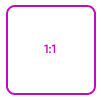
    1 : 1 (Square)
    2048 x 2048
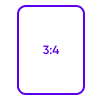
    3 : 4 (Portrait)
    1536 x 2048
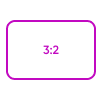
    3 : 2 (Mid)
    2048 x 1365
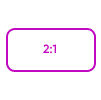
    2 : 1 (Wide)
    2048 x 1024
    16 : 9 (Landscape)
    2048 x 1152

    Etsy Shop Cover
    3360 x 840
    T-shirt
    4200 x 5400

    Podcast Cover
    3000 x 3000

    Twitch Offline Banner
    1920 x 1080

    Patreon Cover
    1600 x 400

    Iphone x Background
    1125 x 2436
    Zoom Background
    1920 x 1080

    Flyer (8.5x11)
    2550 x 3300
    Poster (11x17)
    3300 x 5100
    Media Kit
    2550 x 3330

    Album Cover
    3000 x 3000
    Gift Certificate
    2400 x 1125
    Greeting Card (5x7)
    1500 x 2100

    Letterhead (8.5x11)
    2550 x 3300
    Lesson Plan
    2550 x 3300
    Infographic
    800 x 2000

    Resume
    2450 x 3508
    Crop Image
    Drag the corners to adjust crop area
    Width x Height
    Crop Options

    Adjust

    Filters

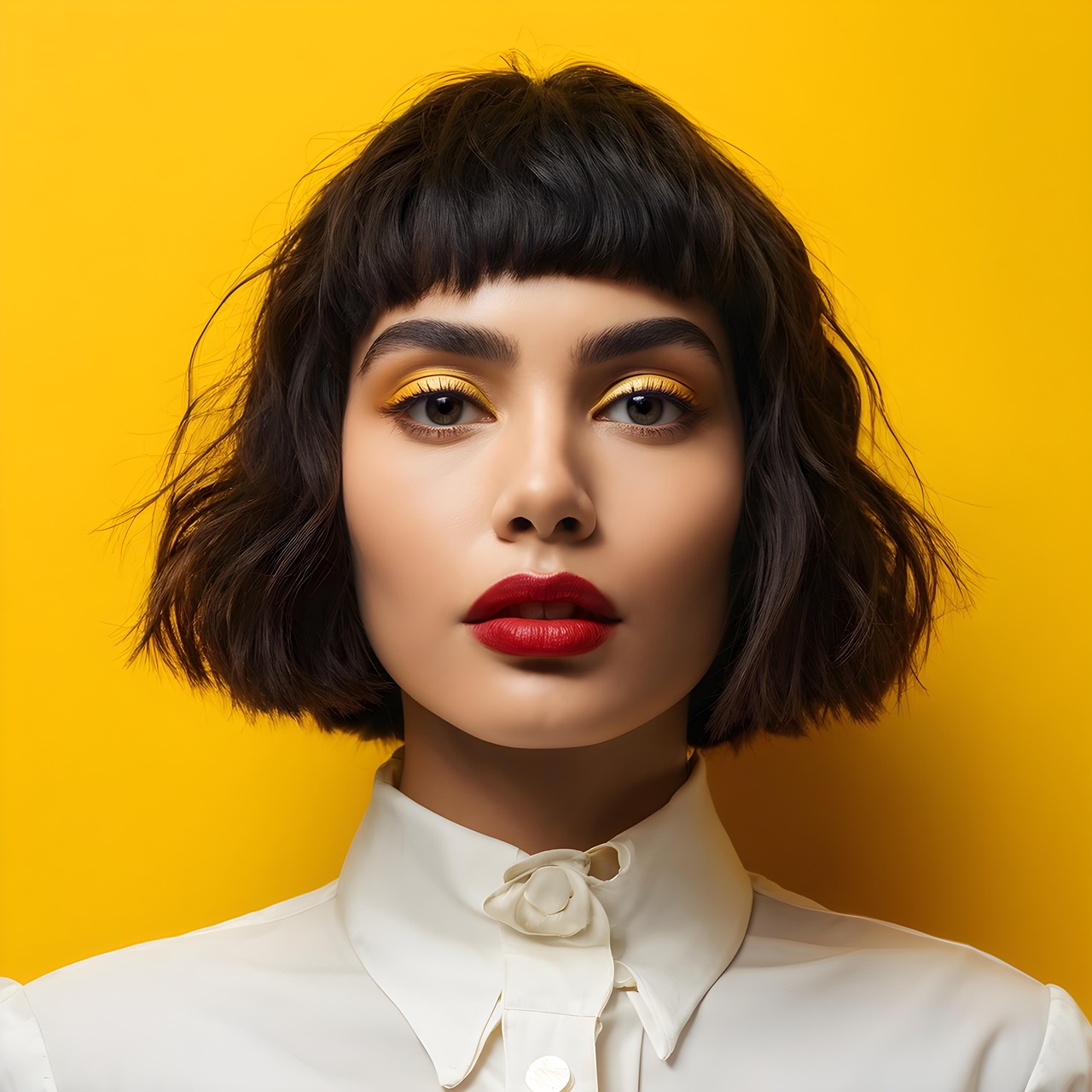
    no-effect
    None
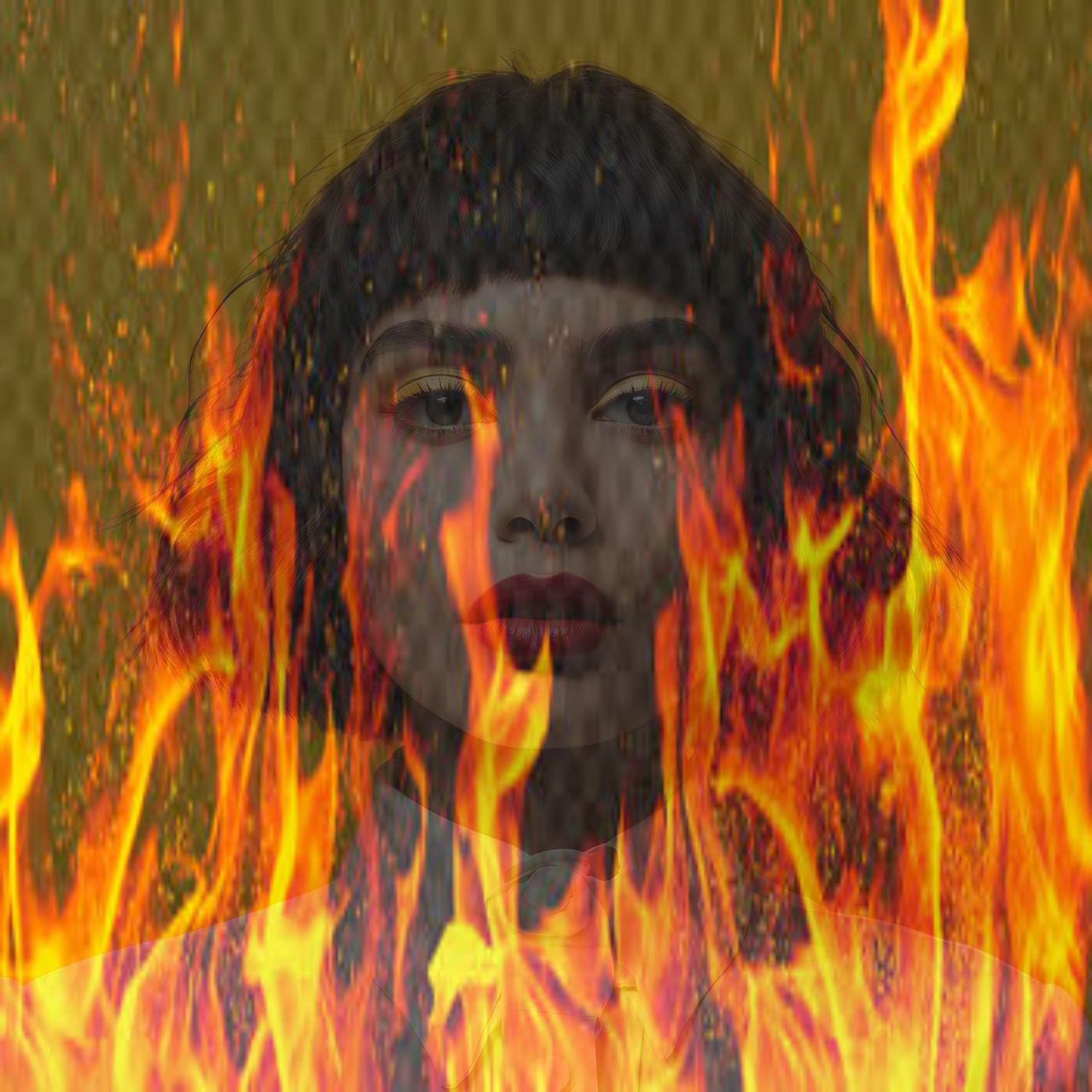
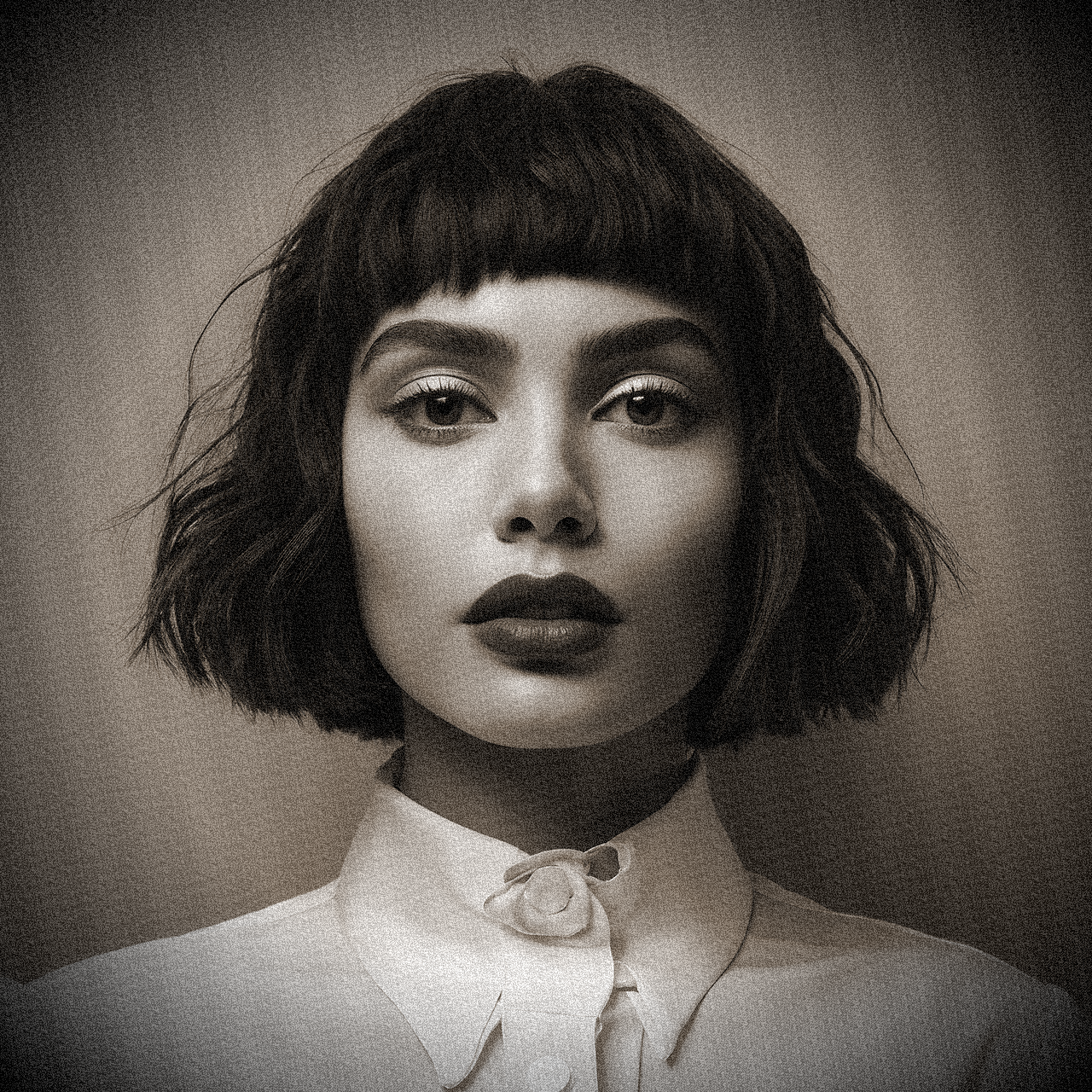
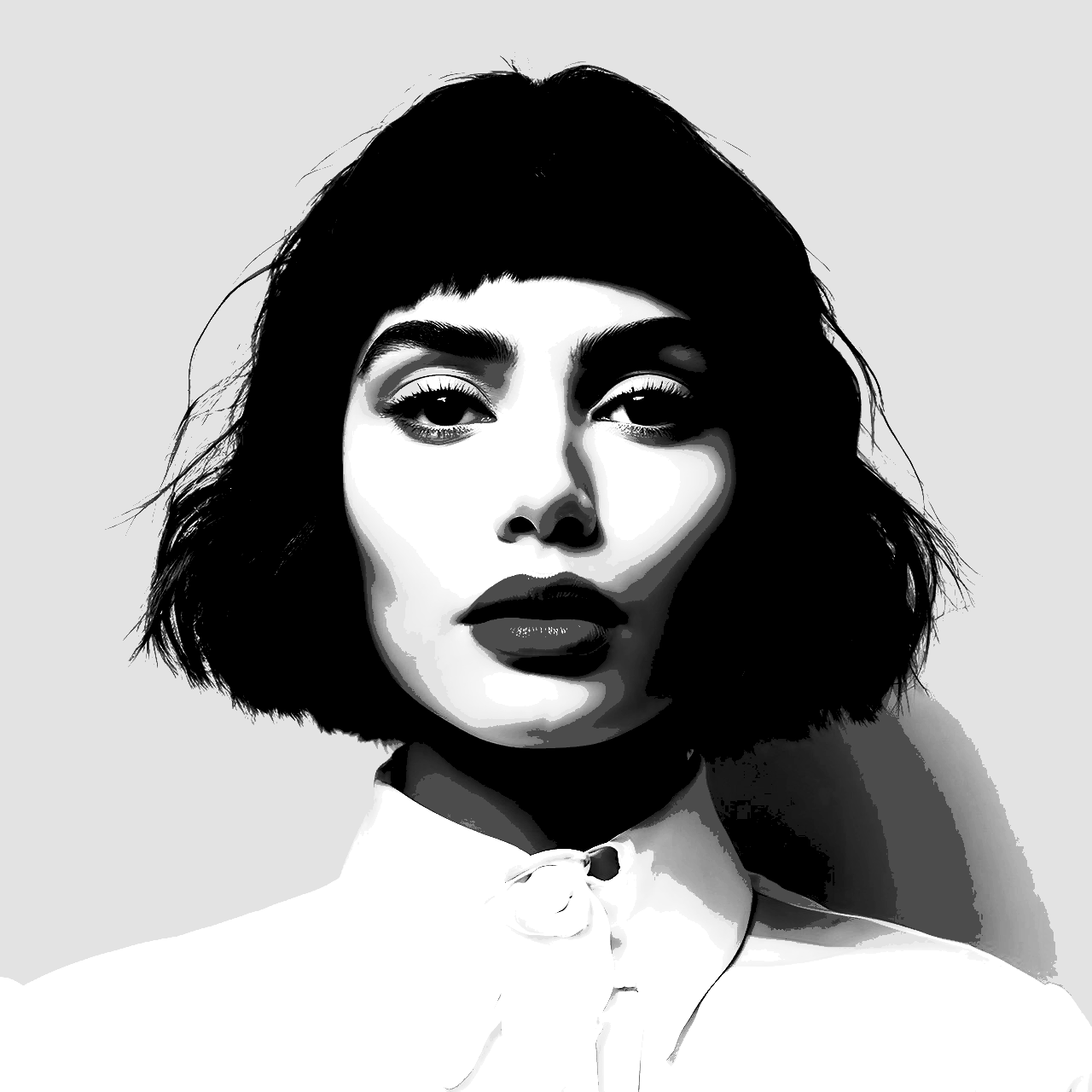
    Fire Filter
    Fire
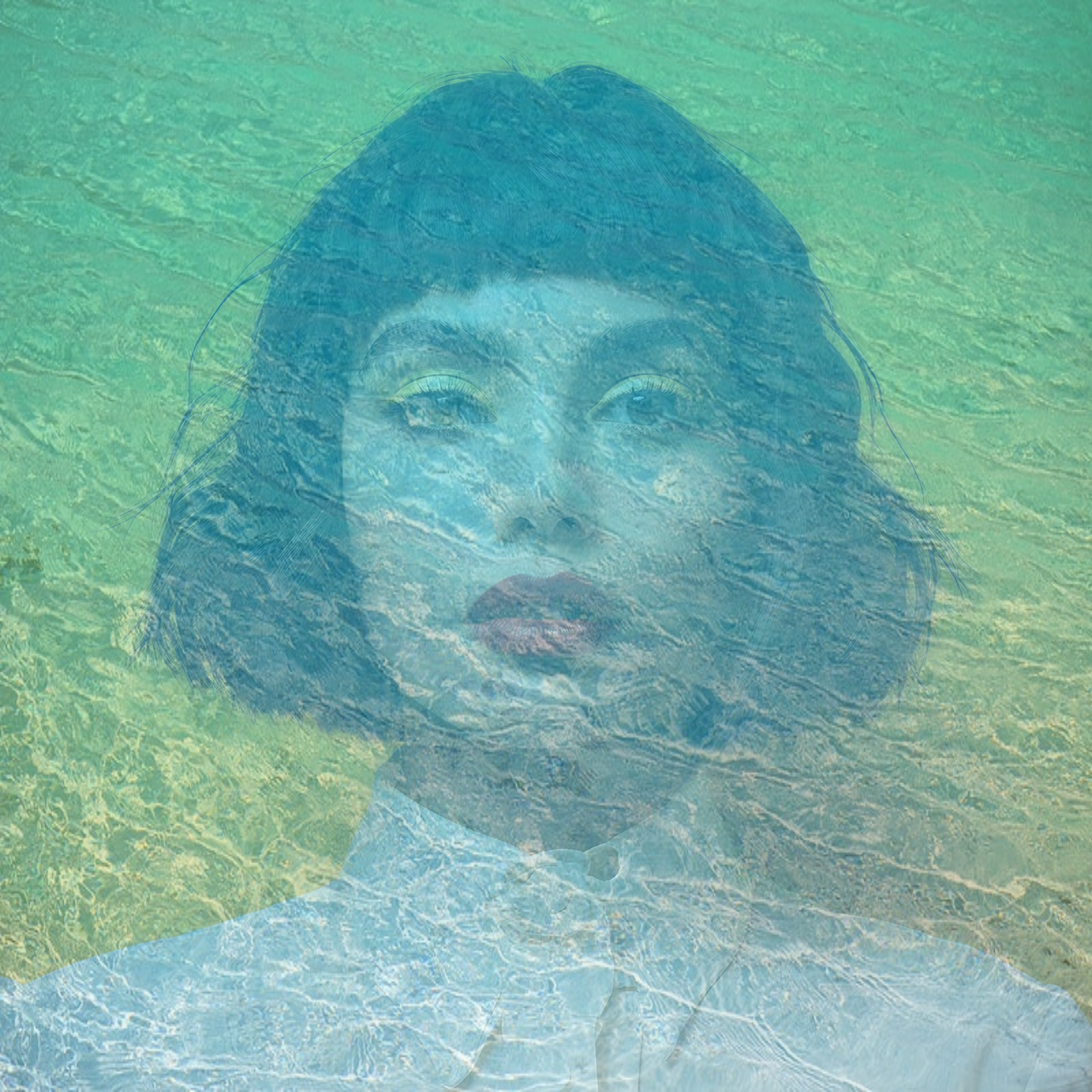
    Water Filter
    Water
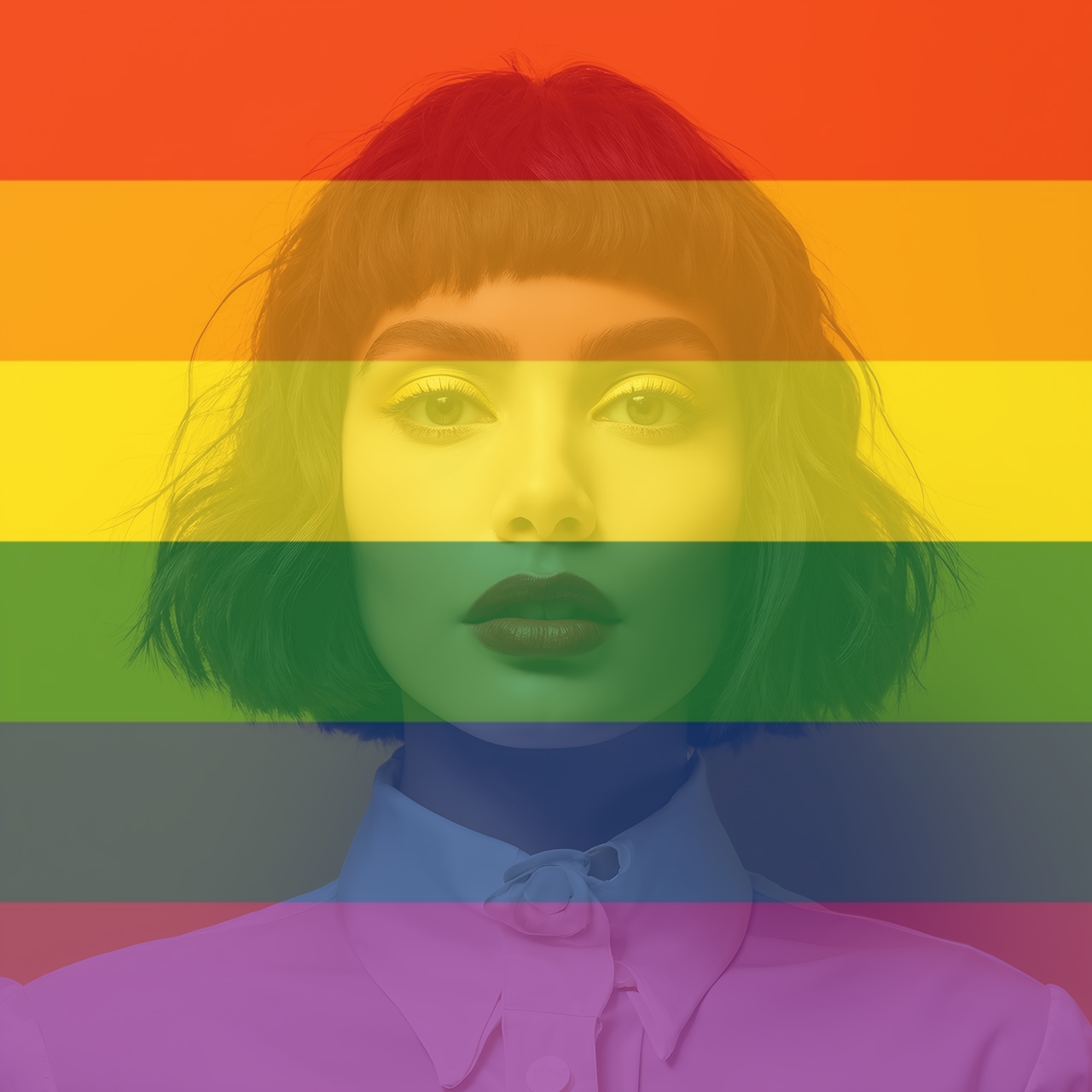
    Rainbow Filter
    Rainbow
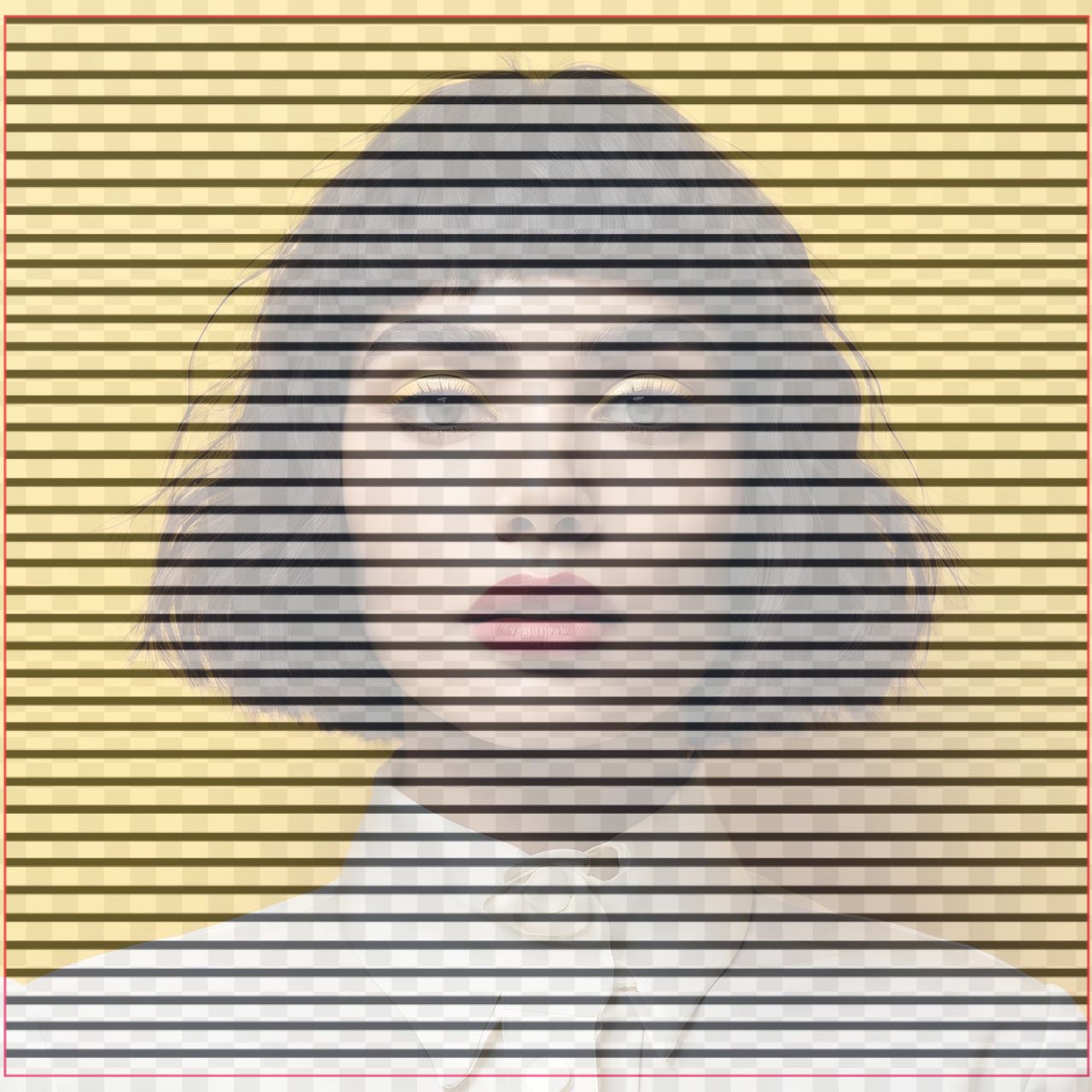
    Lines Filter
    Lines
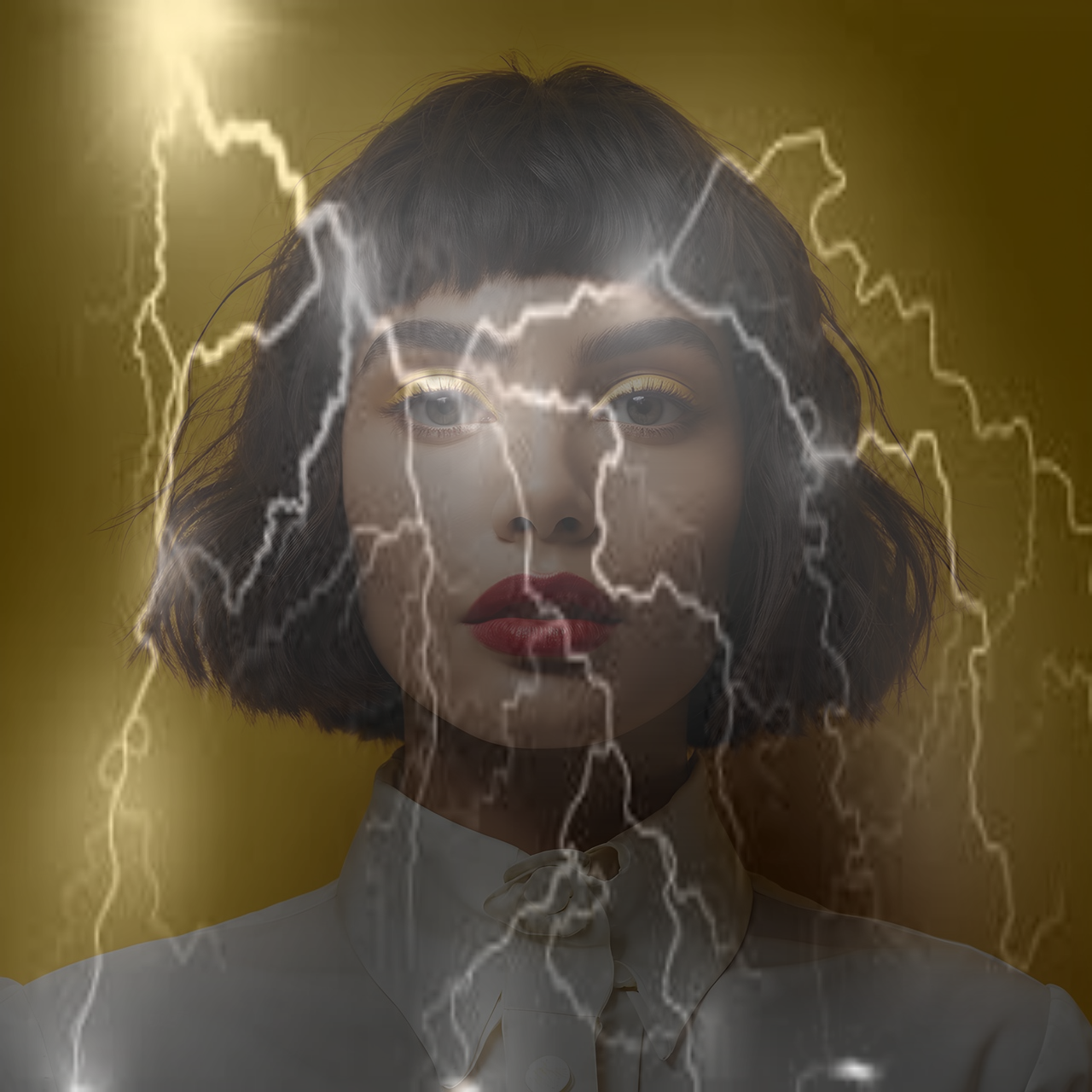
    Lighting Filter
    Lightning
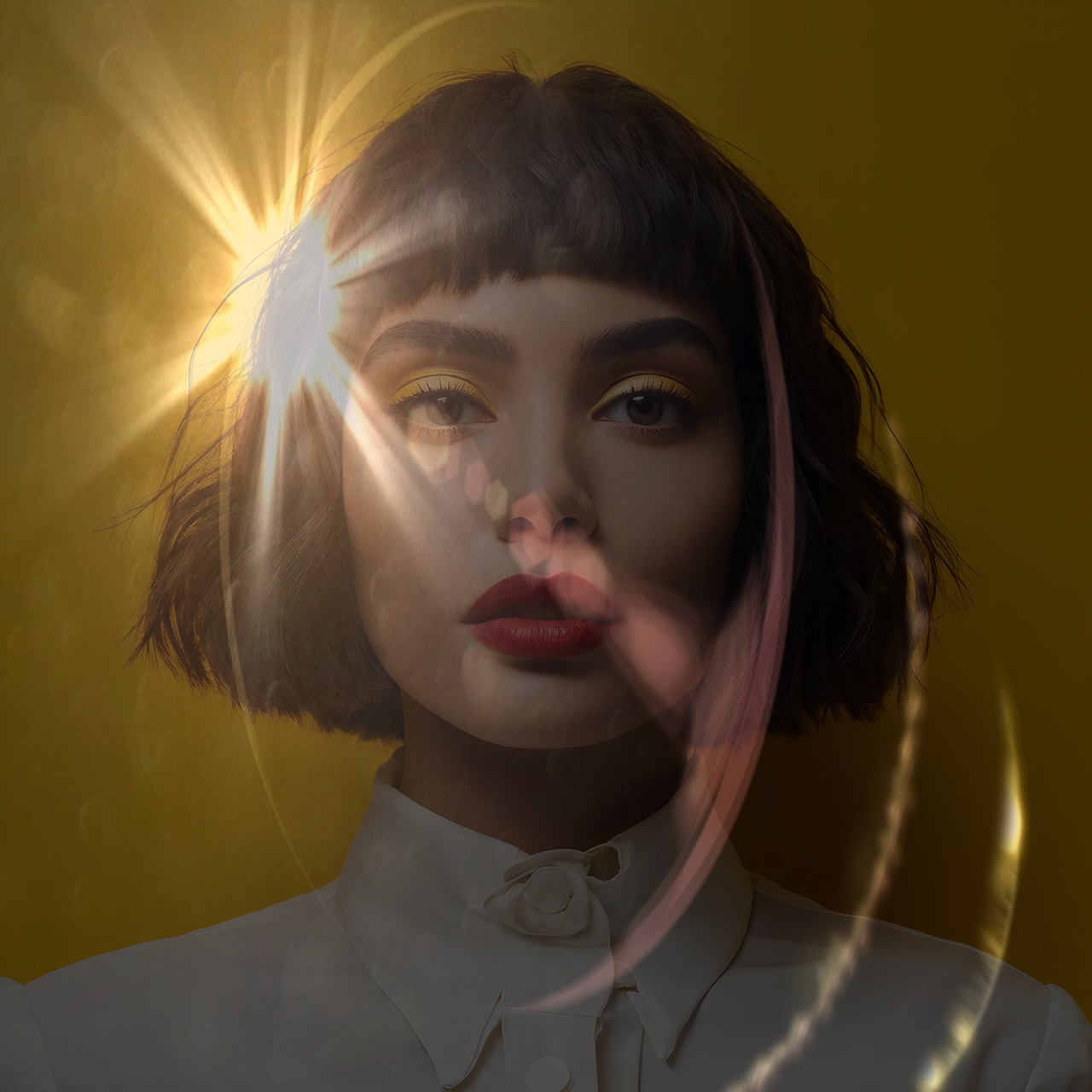
    Lens Filter
    Lens
    Gradient Filter
    Gradient
    Tint Filter
    Tint
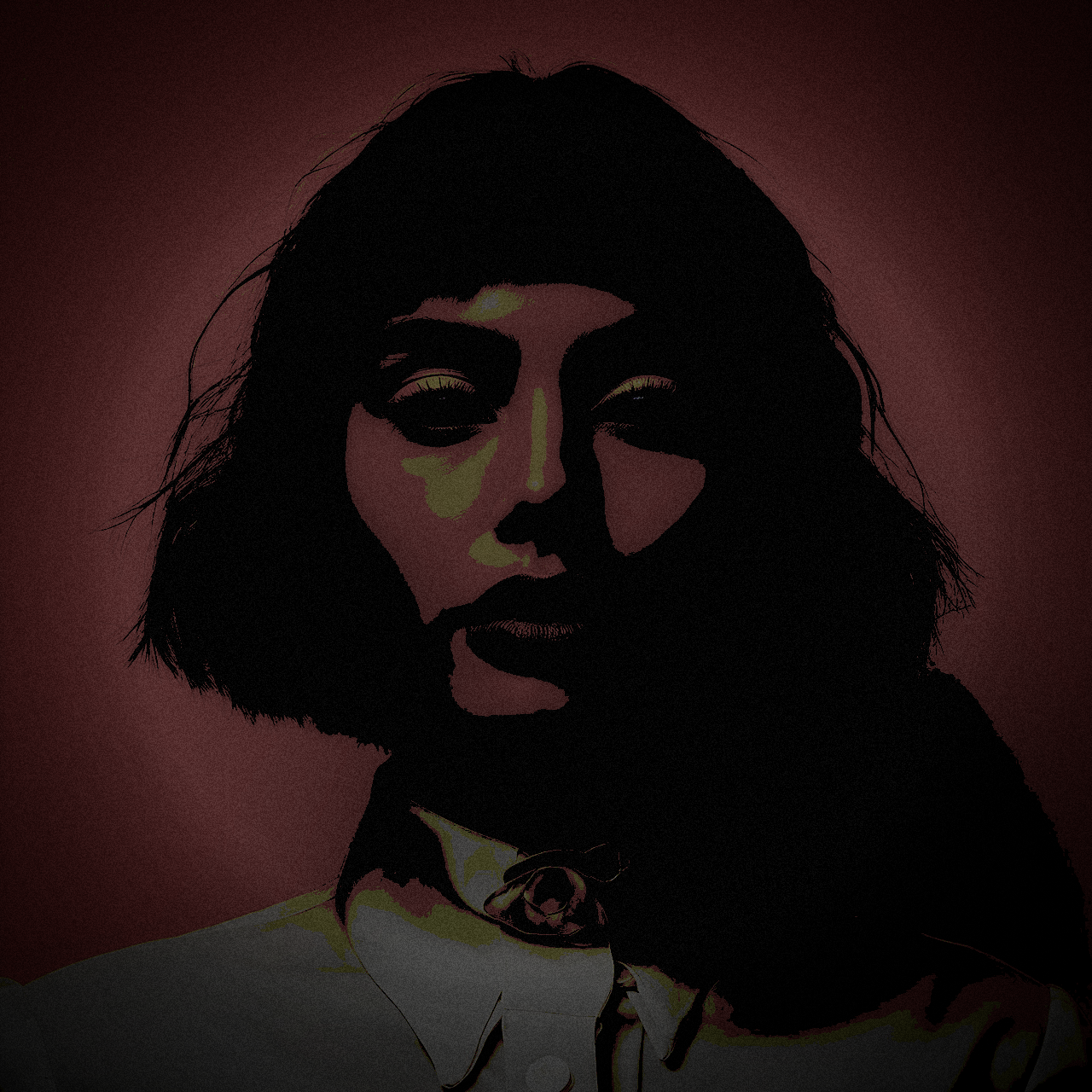
    Night Vision
    Night
    Bloom Filter
    Bloom
    Alpha Filter
    Alpha
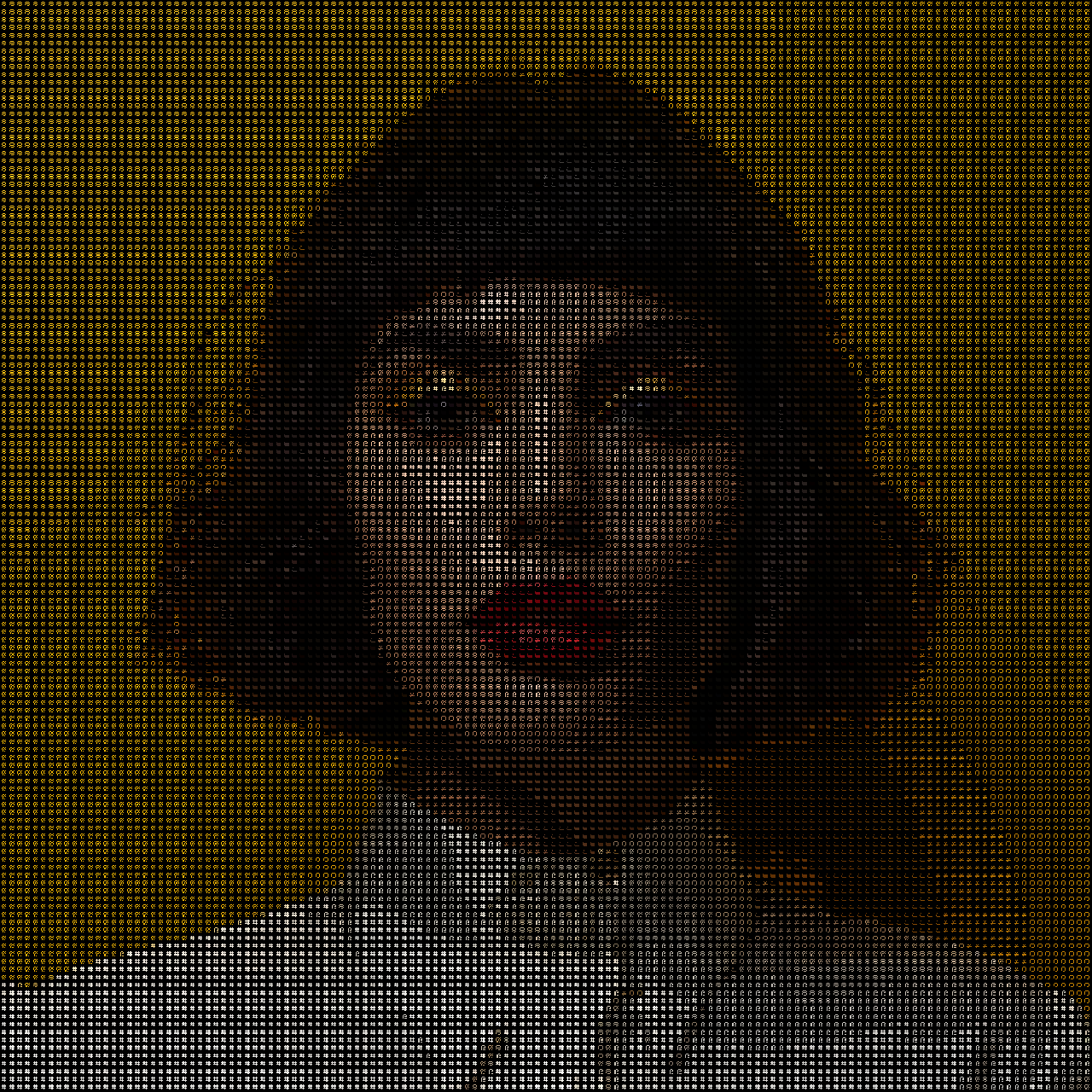
    Alpha Filter
    Ascii
    Blur Filter
    Blur
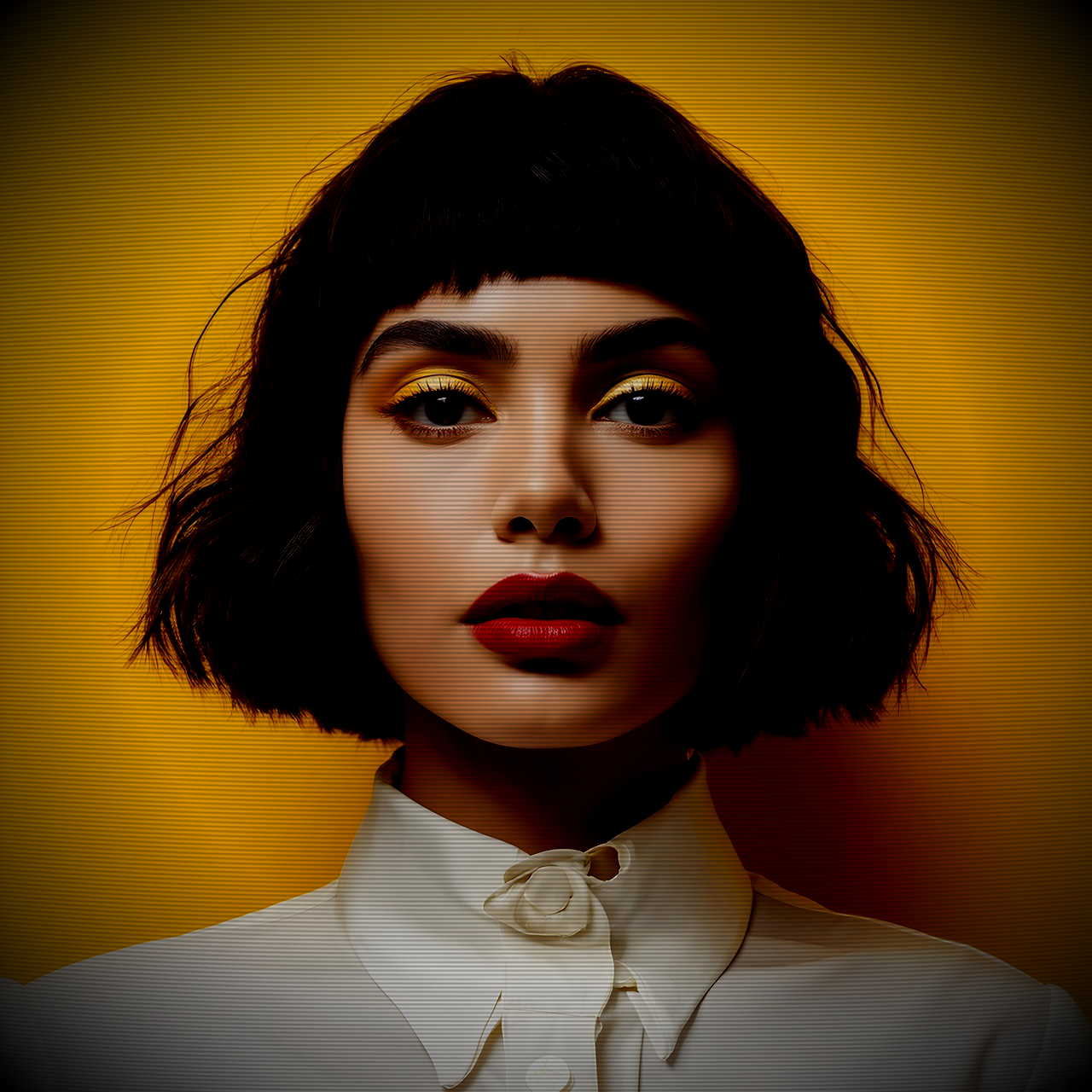
    CRT Filter
    CRT
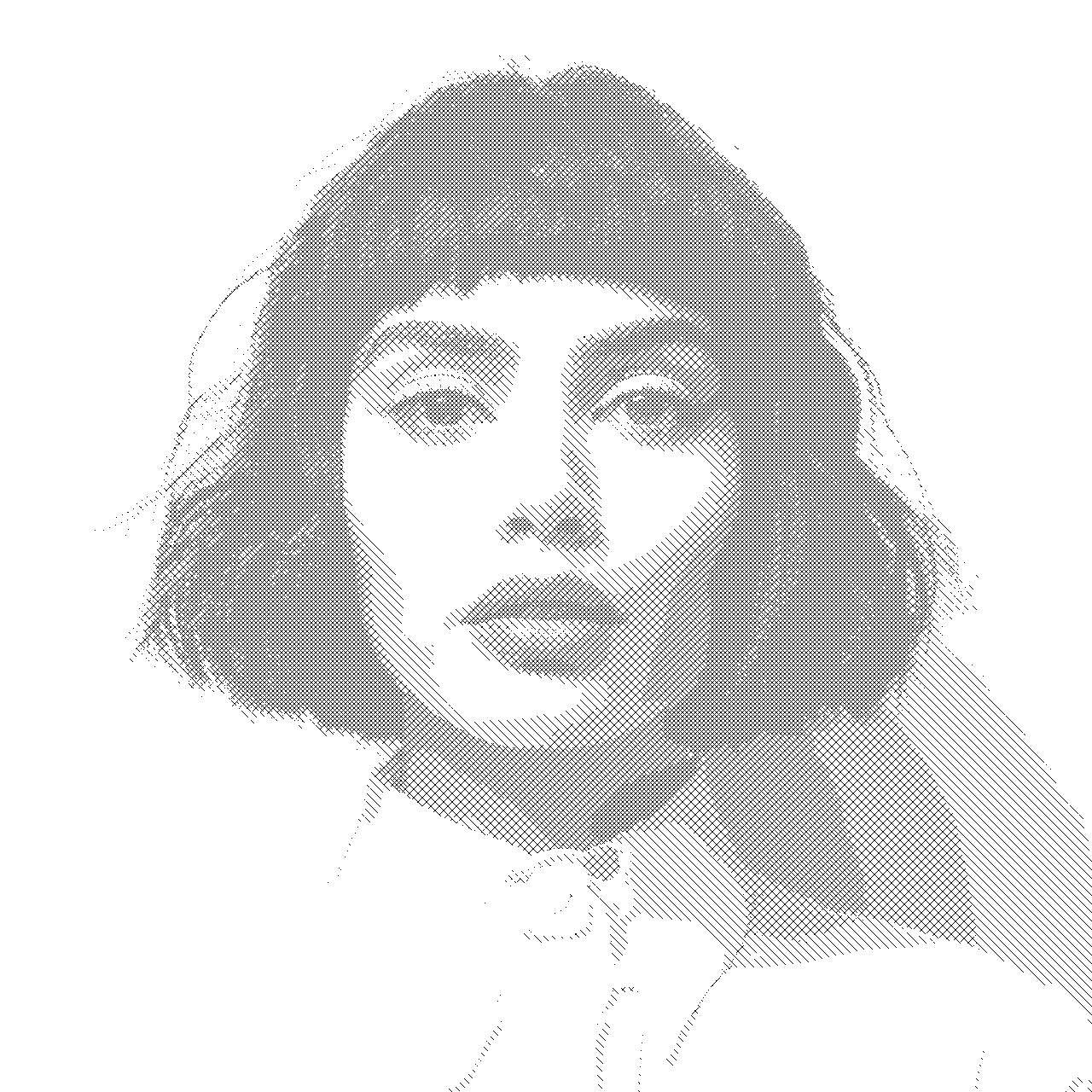
    Cross Hatch
    Cross Hatch
    Godray Filter
    Godray
    Godray parallel Filter
    Godray Parallel
    Kawase Blur Filter
    Kawase Blur
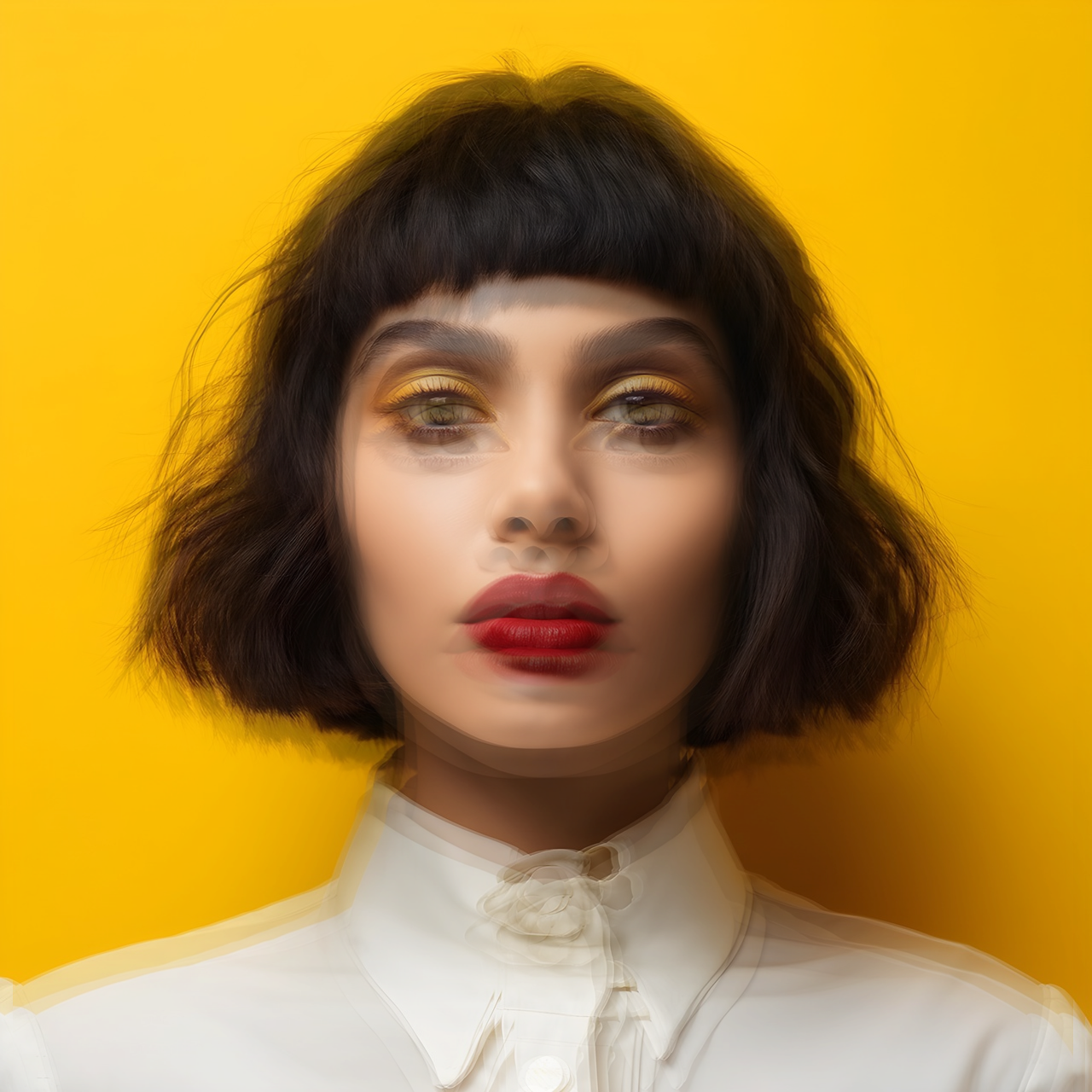
    Motion Blur Filter
    Motion Blur
    Old Film Filter
    Old Film
    Radial Blur Filter
    Radial Blur
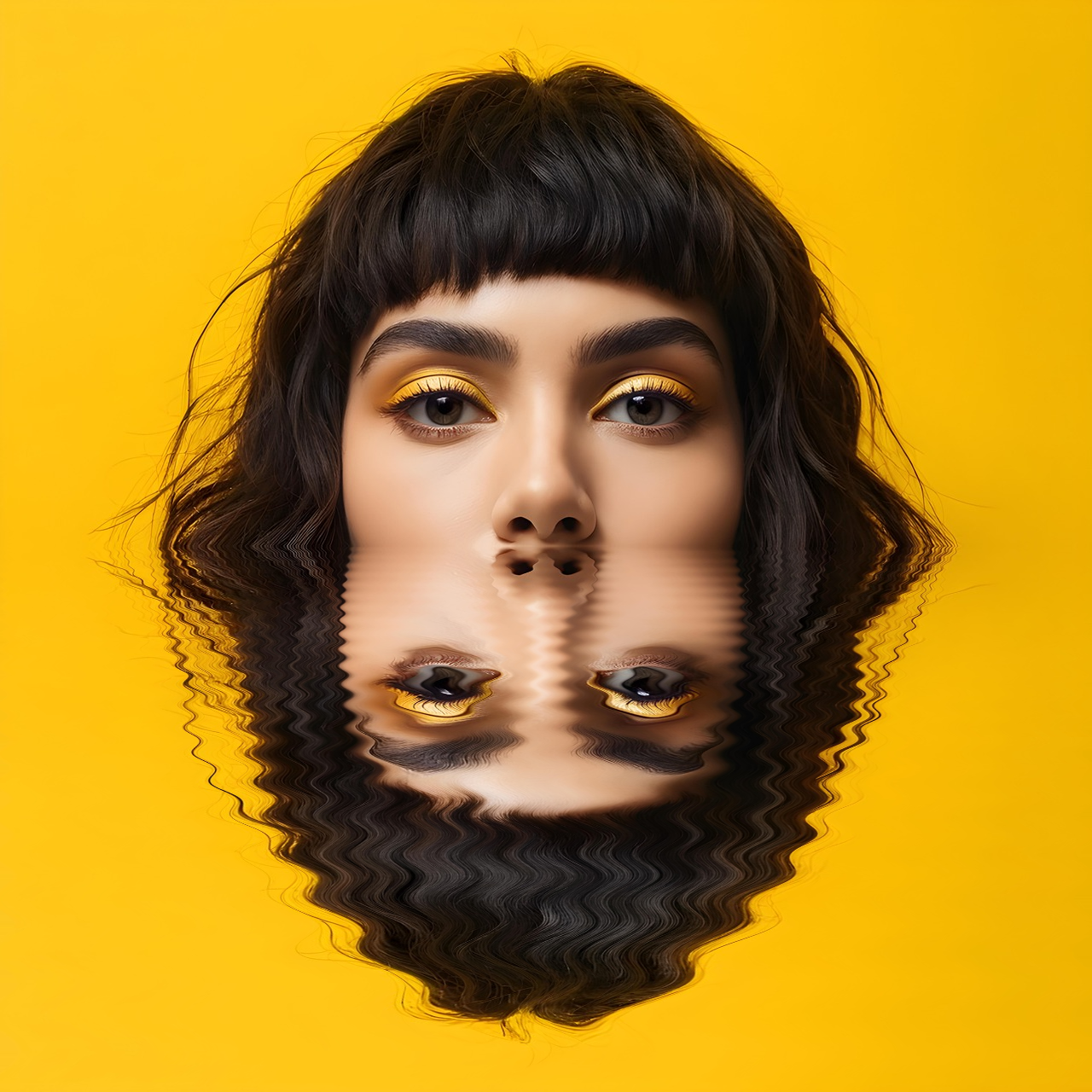
    Reflection Filter
    Reflection
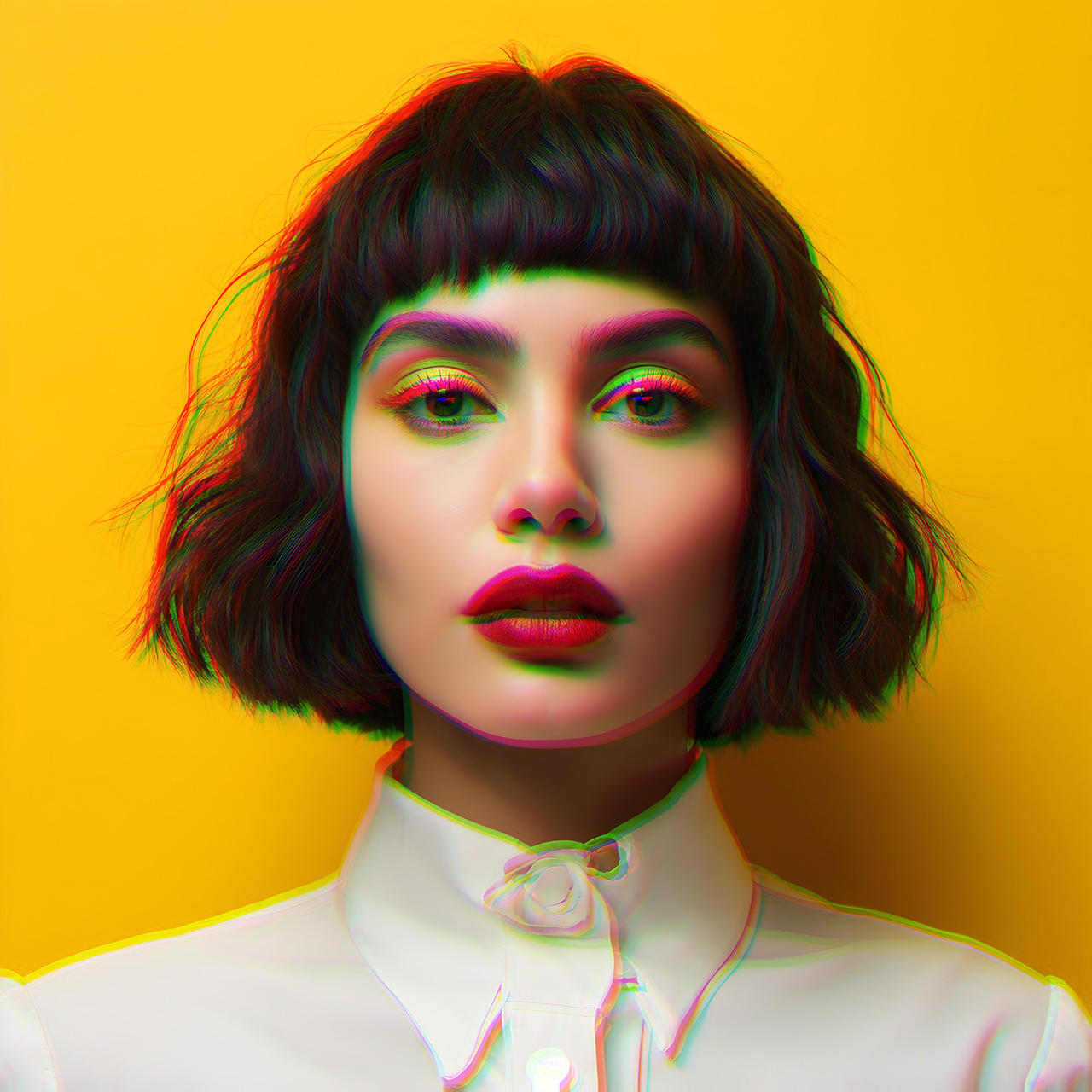
    rgbSplit Filter
    RGB Split
    lightmap Filter
    Lightmap
    Shockwave Filter
    Shockwave
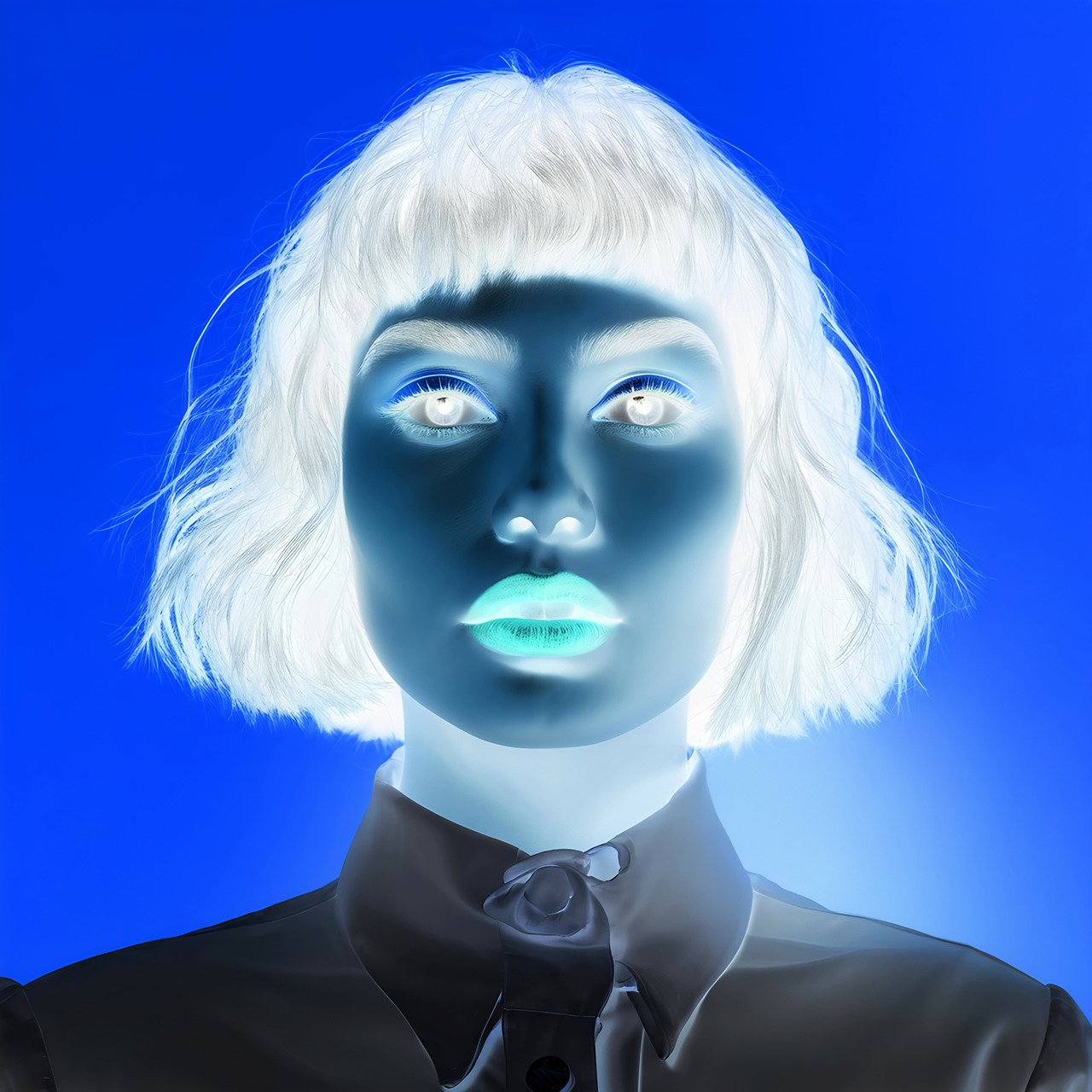
    Negative Vision
    Negative
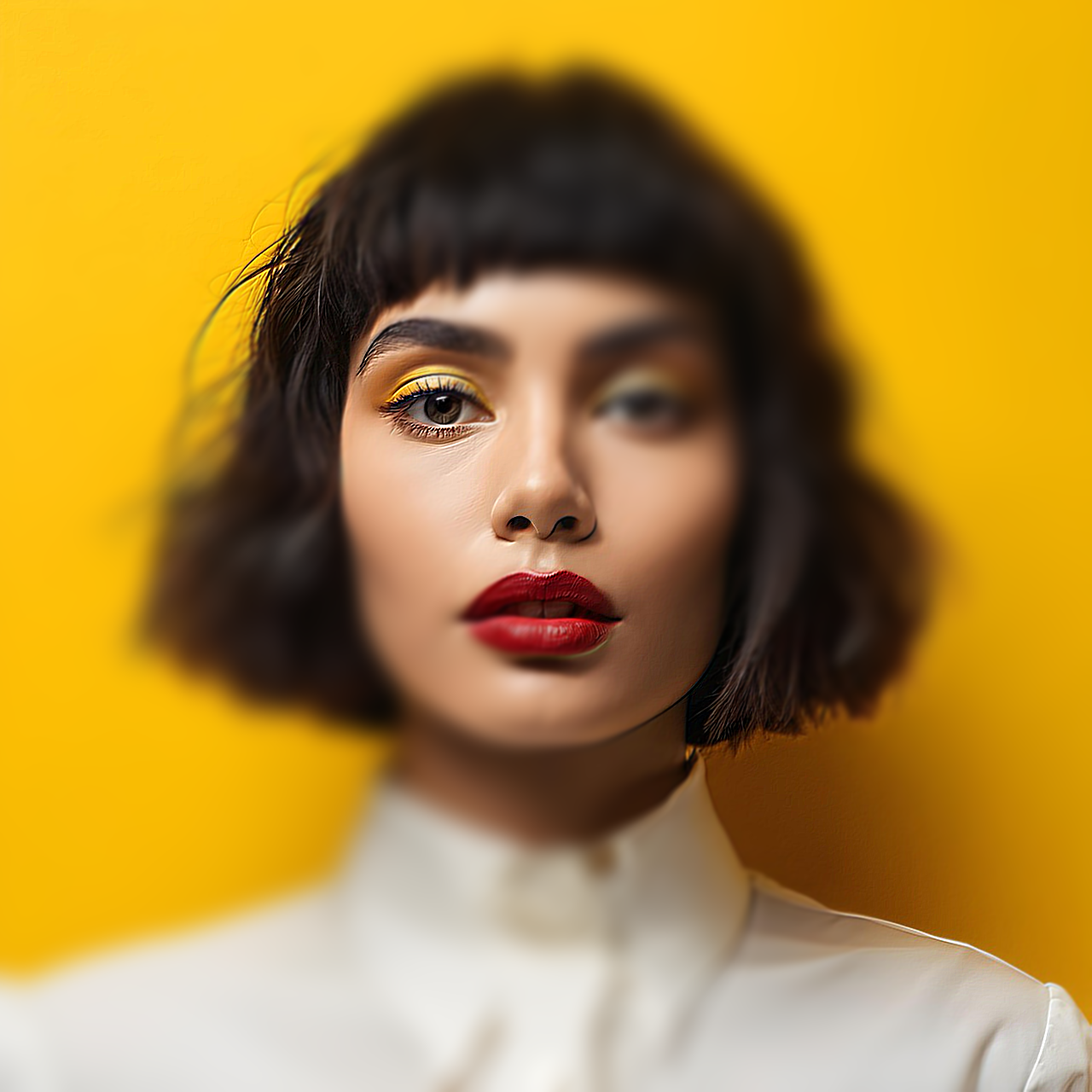
    Tilt Shift
    Tilt Shift
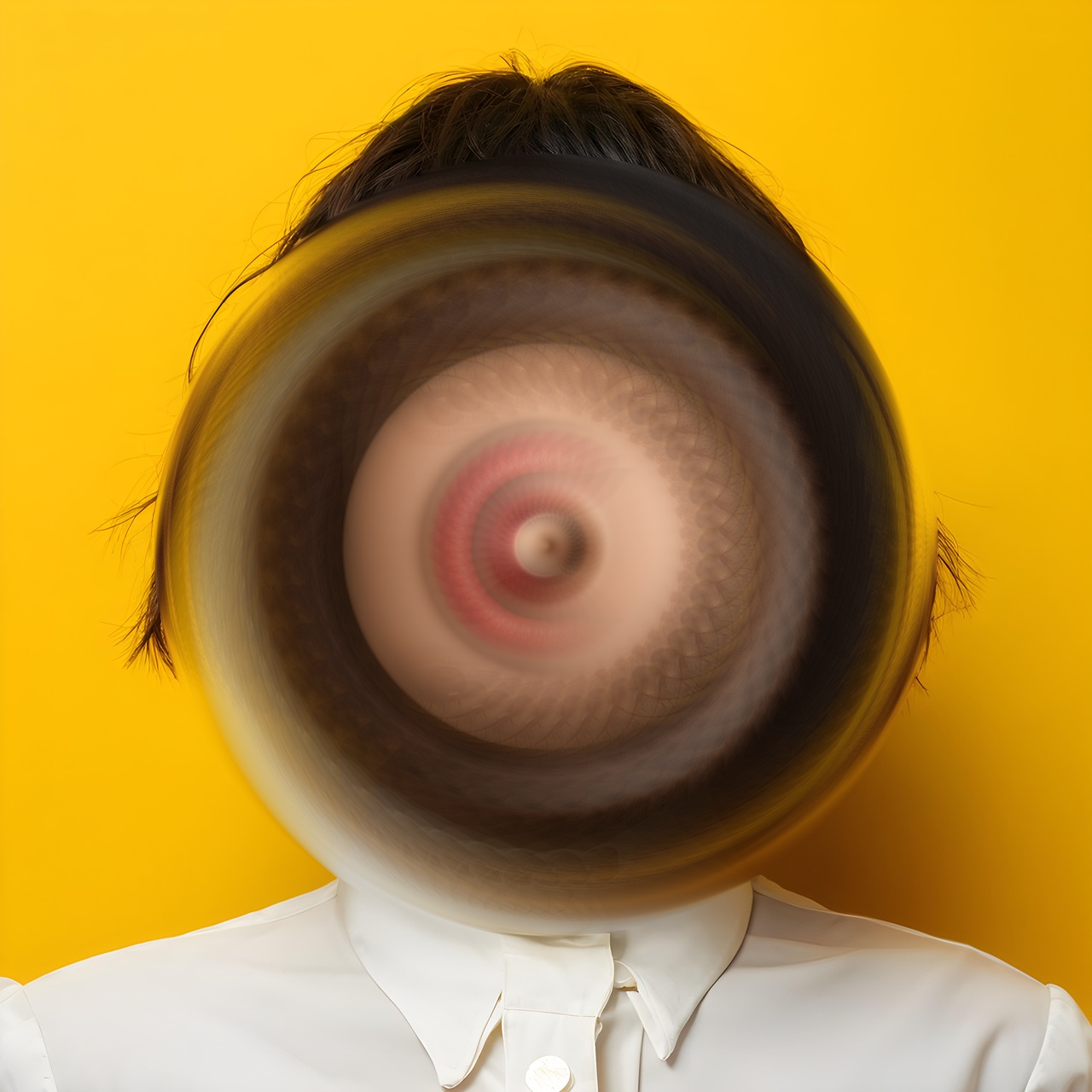
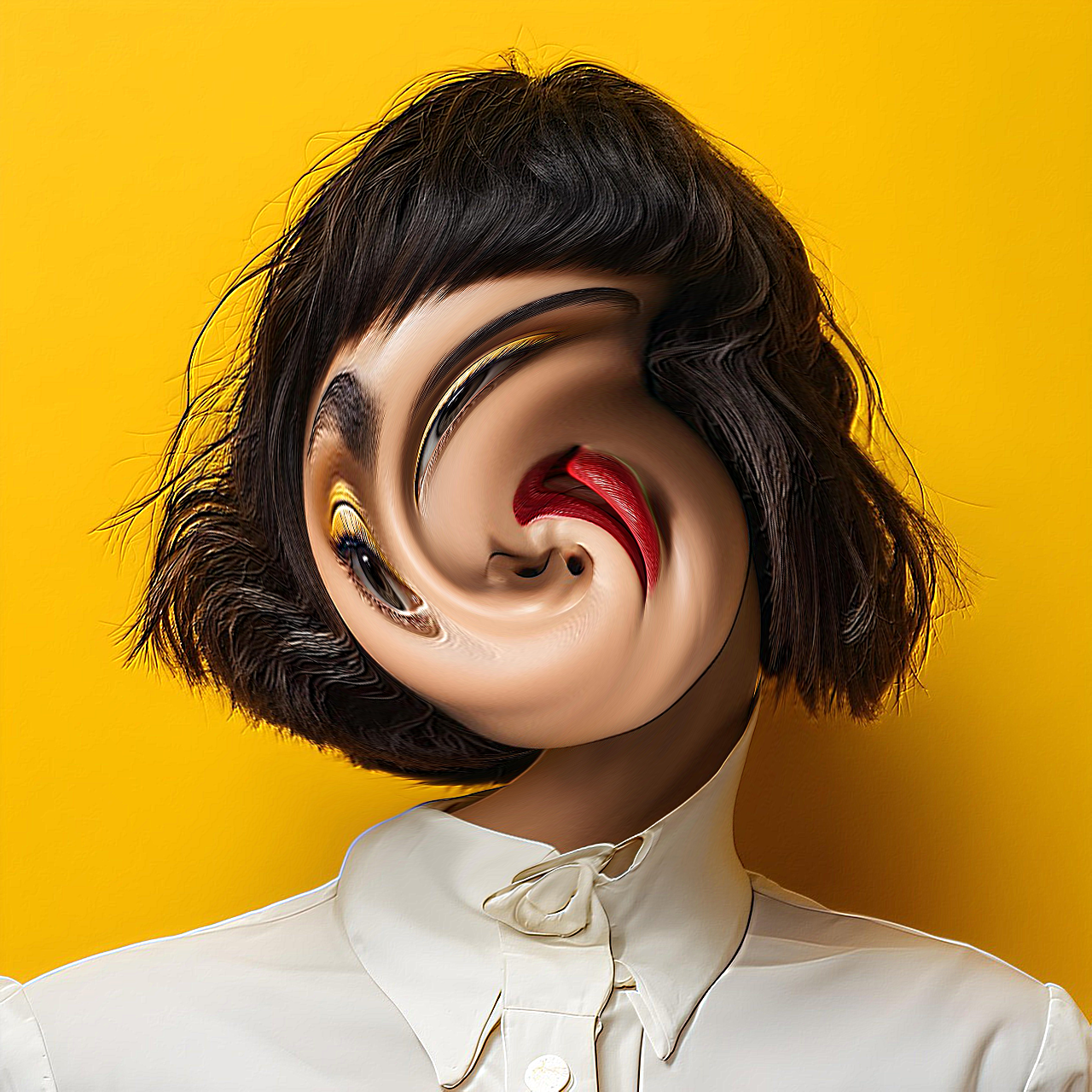
    Twist Filter Filter
    Twist

    Effects

    no-effect
    None
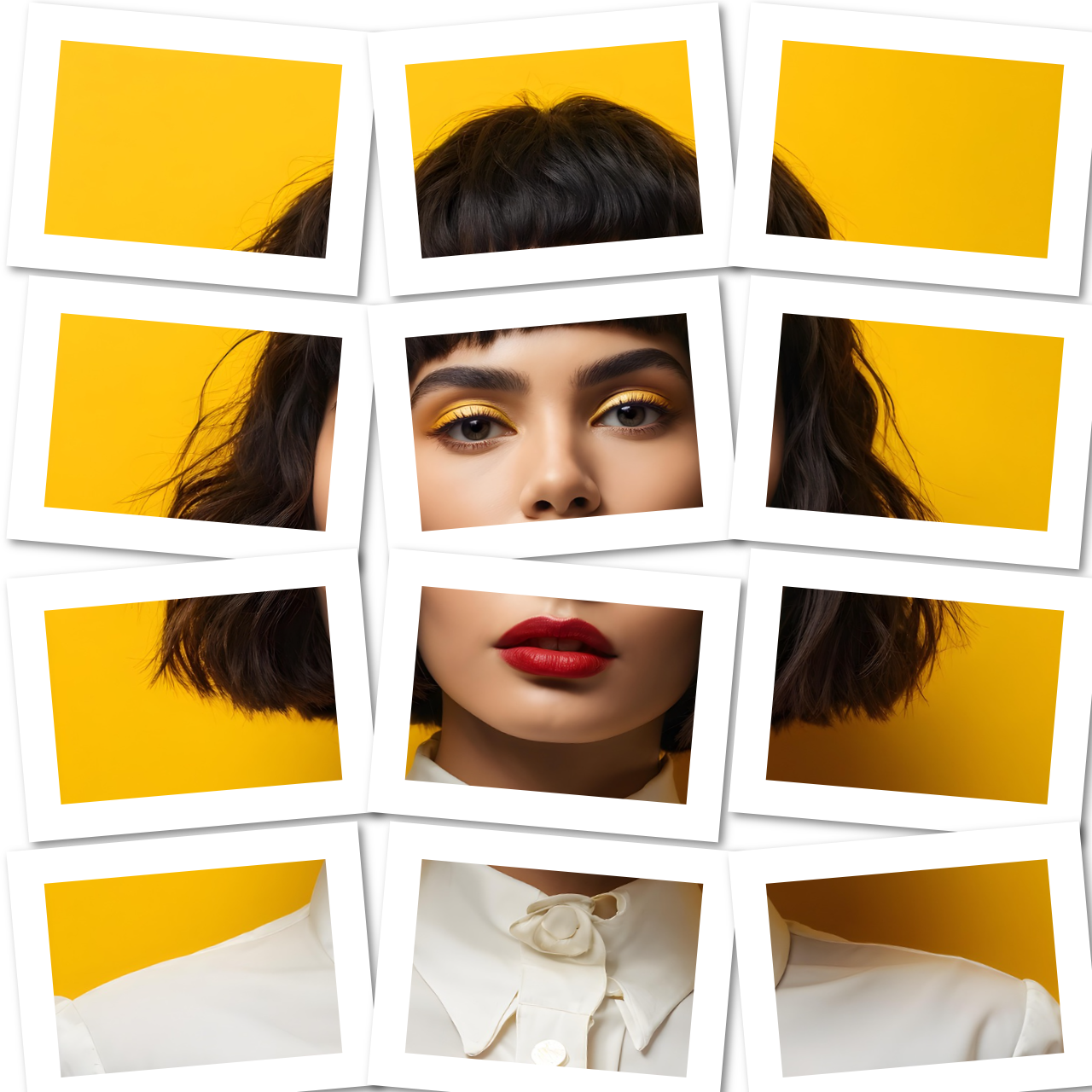
    Photo Spread
    Photo Spread
    Shaky-effect
    Shaky
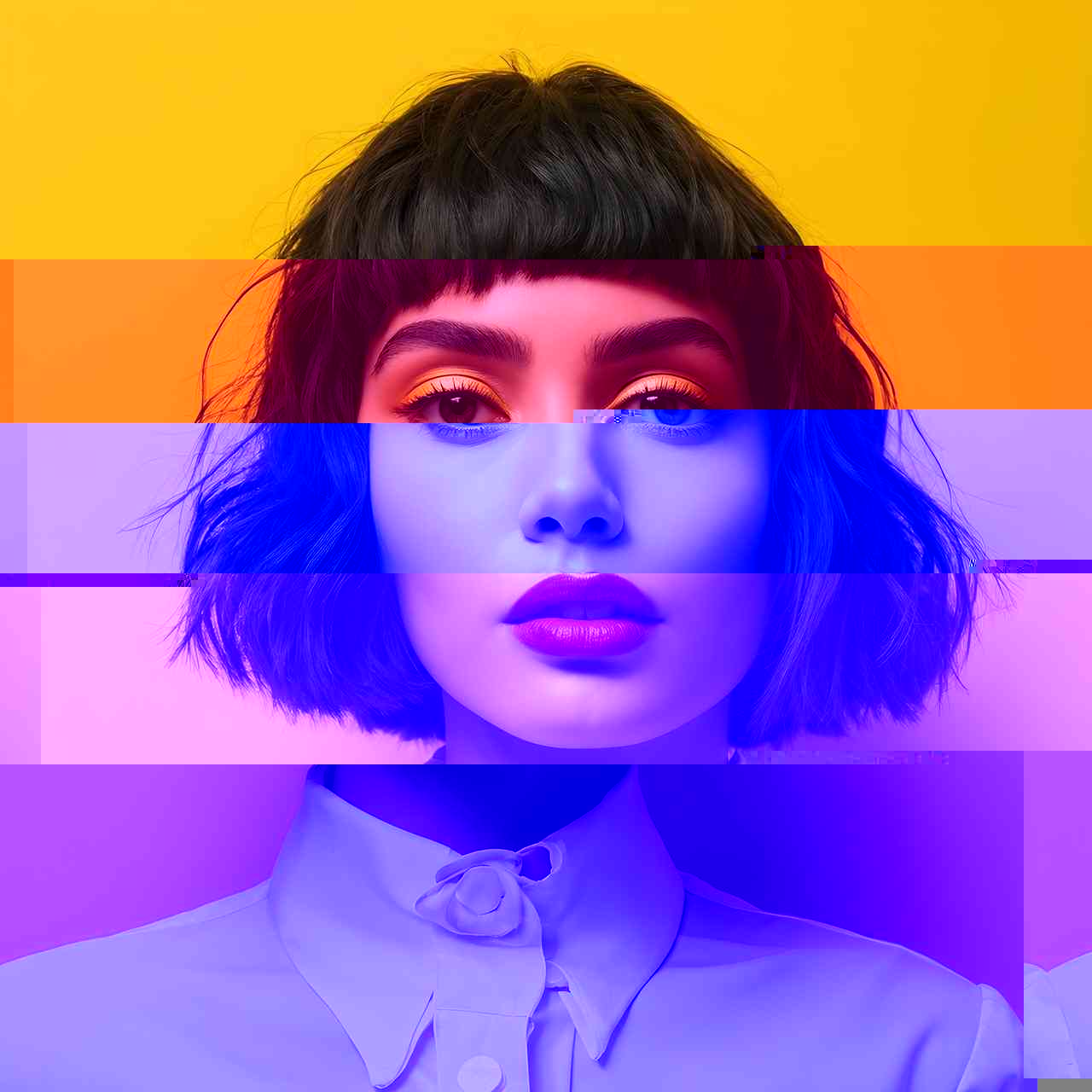
    gltich-effect
    Glitch
    Implode
    Implode
    Explode
    Explode
    Lego effect
    Lego
    Mirror
    Mirror
    Oil Paint
    Paint
    Kaleidoscope
    Kaleidoscope
    edgeWork
    Edge Work
    Solarize
    Solarize
    Posterize
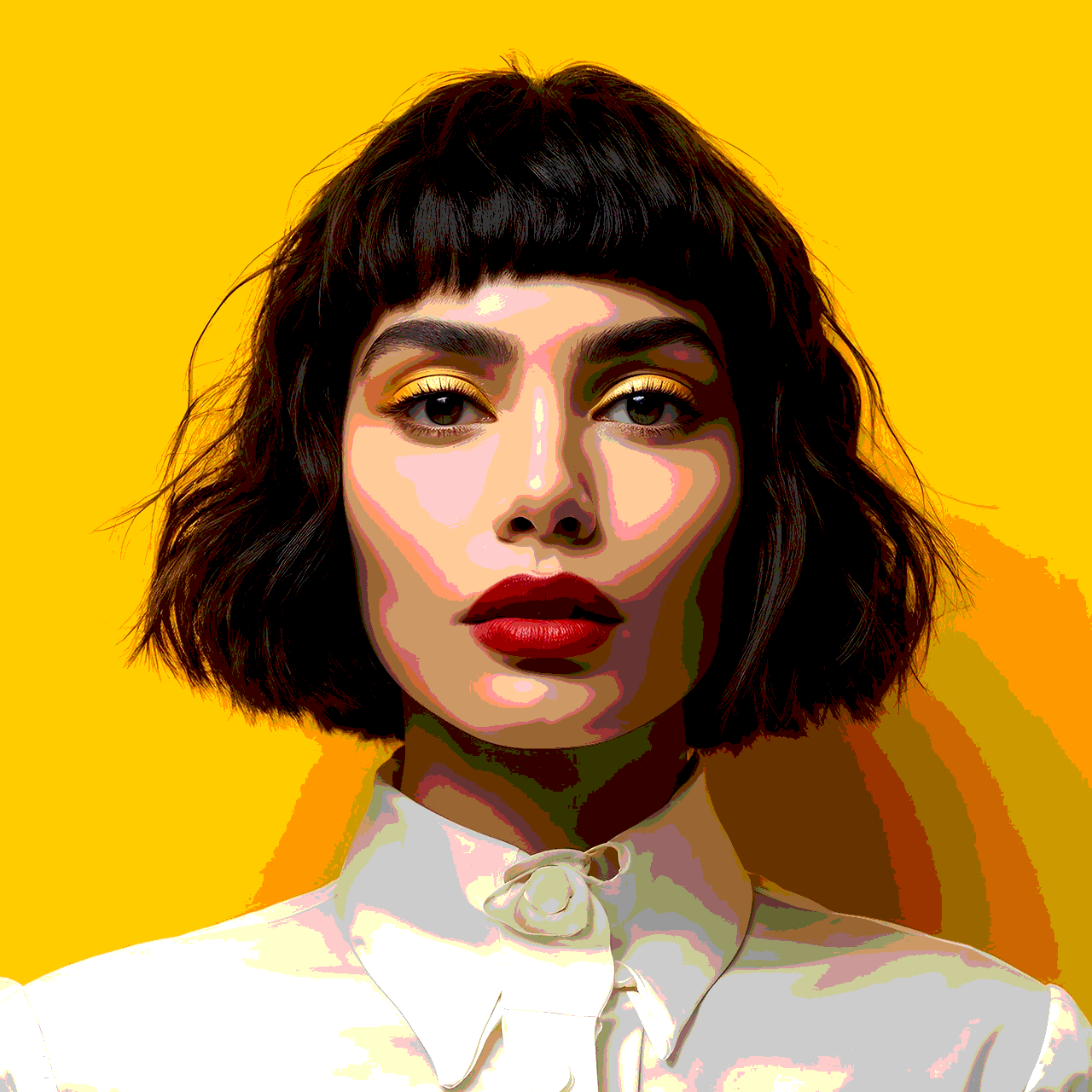
    Posterize
    swirl
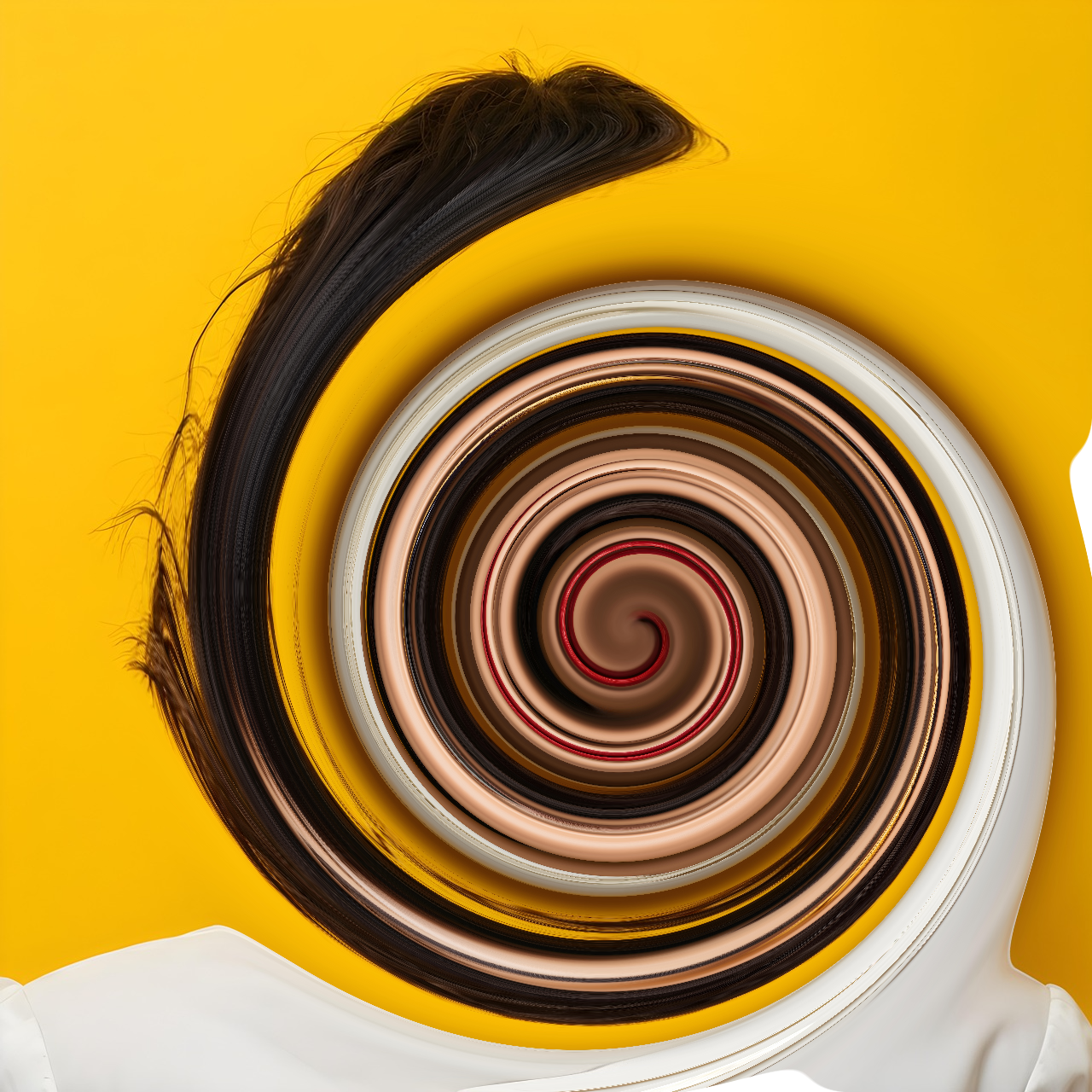
    Swirl
    cartoon-effect
    Cartoon
    Zoom Blur
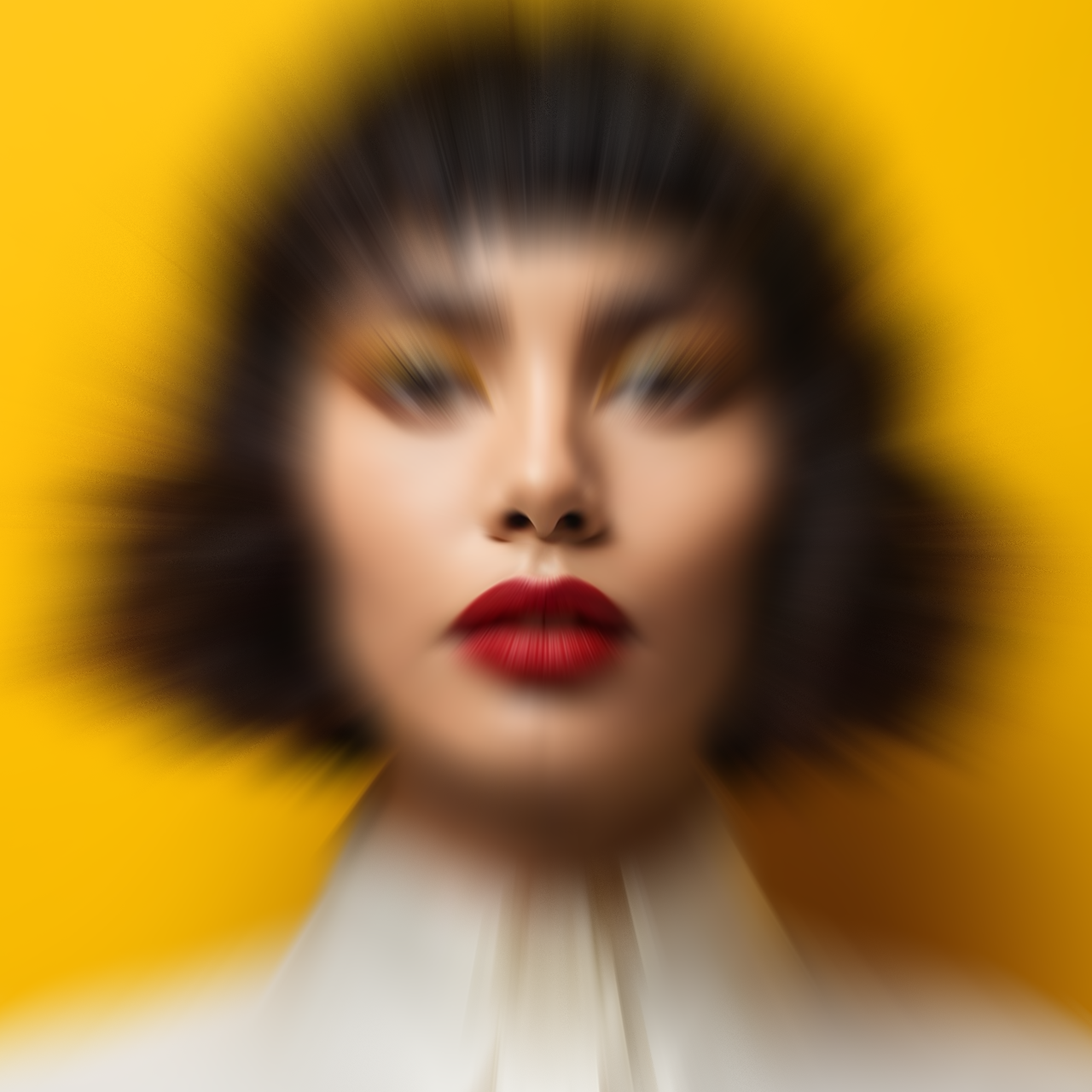
    Zoom Blur
    Triangle Blur
    Triangle Blur
    Lens Blur
    Lens Blur
    hexagonalPixelate
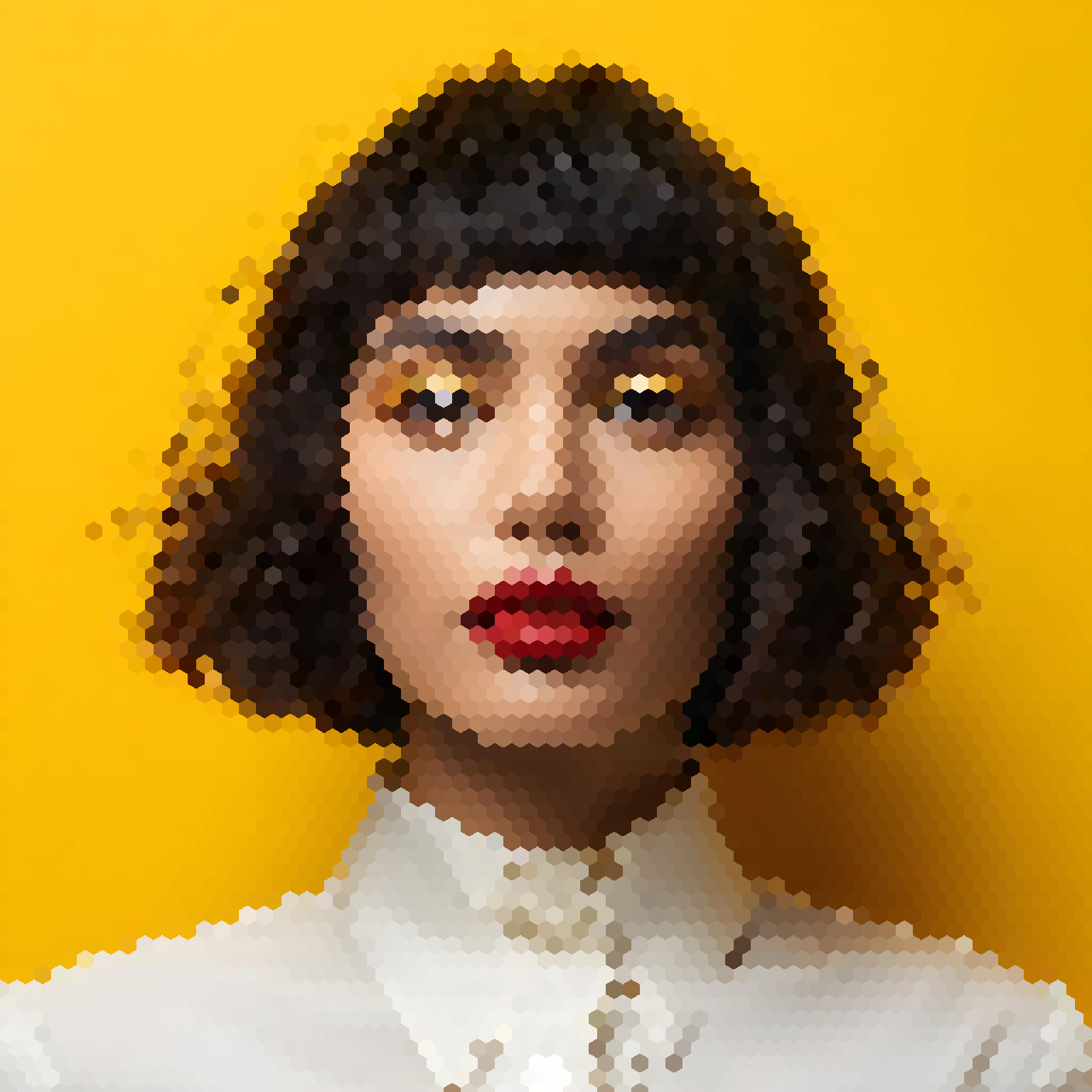
    Hexagonal Pixelate
    Noise
    Noise
    colorHalftone
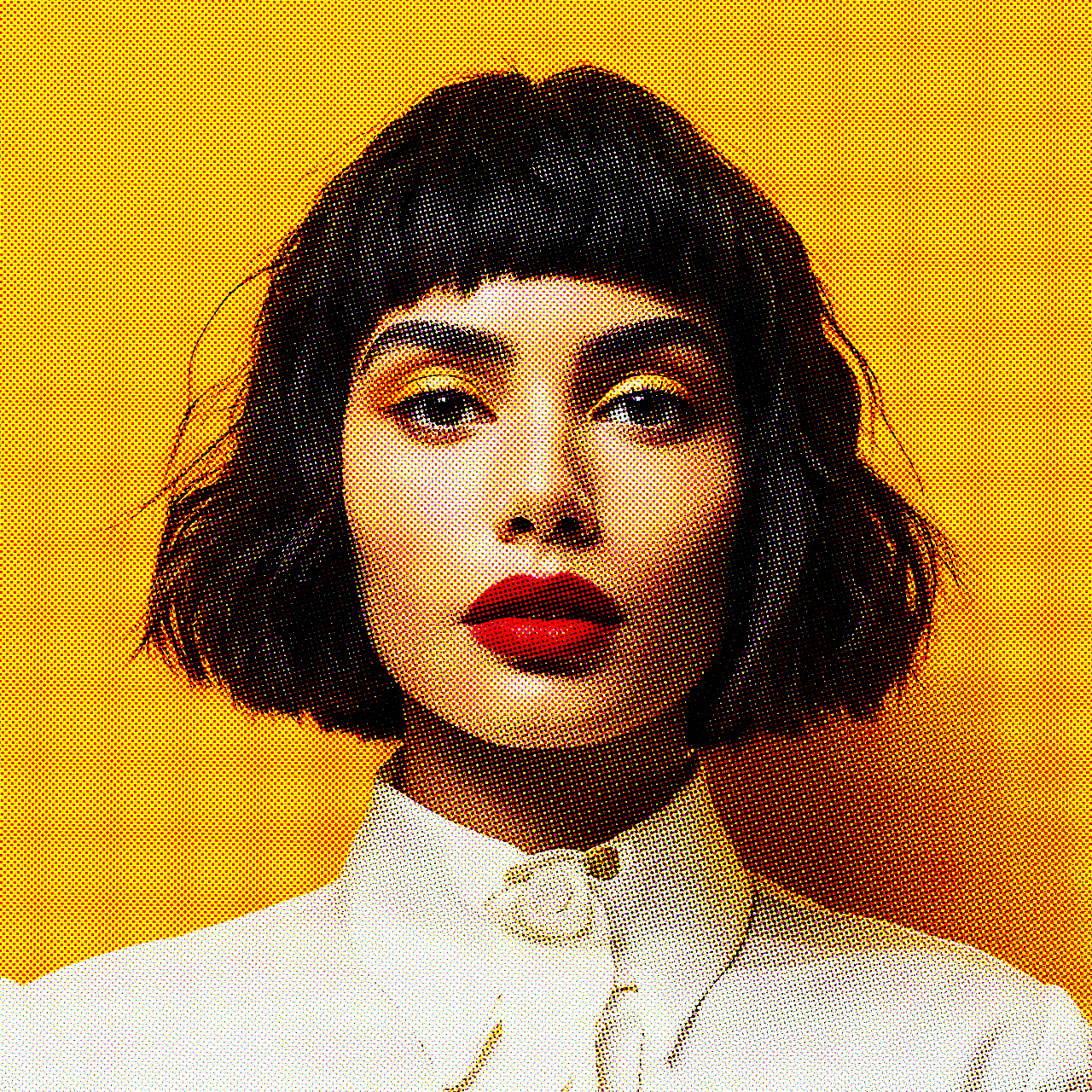
    Color Halftone
    Dither
    Dither
    Sparkle
    Sparkle
    Waterripple
    Waterripple
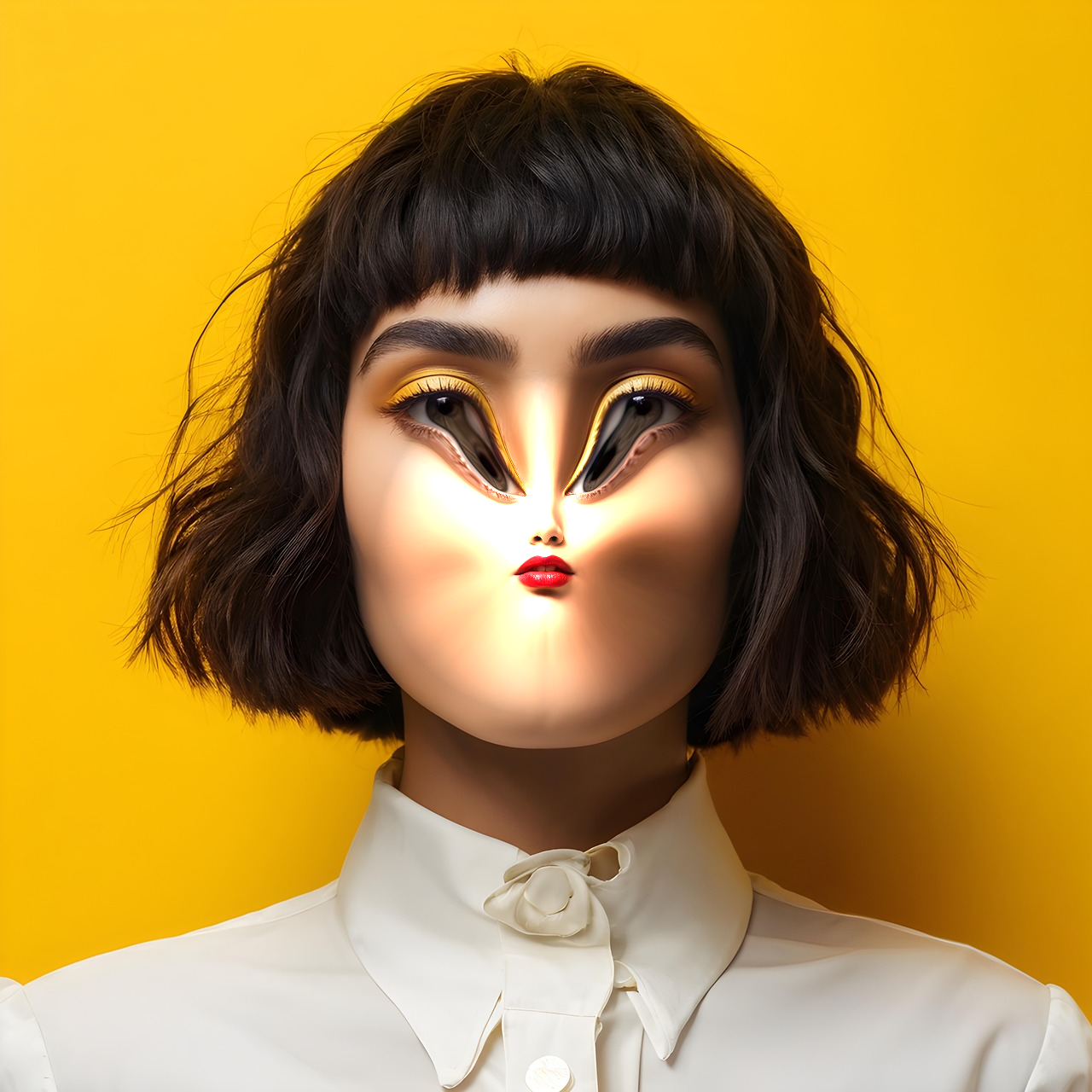
    Pinch
    Pinch
    Abstract-Outlines-effect
    Abstract Outlines
    Coloring-Book-effect
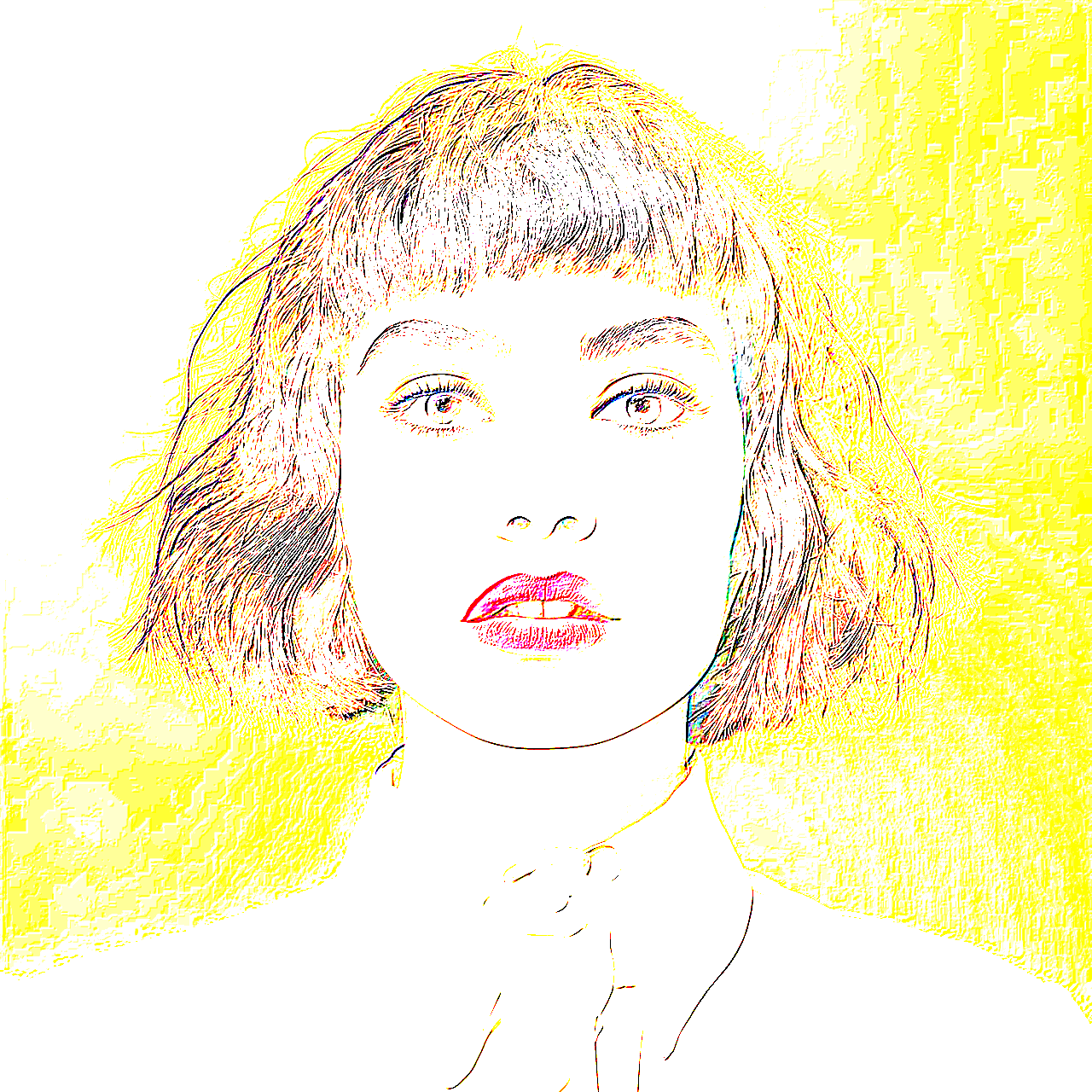
    Coloring Book
    Pencil-effect
    Pencil Sketch
    Ink
    Ink
    Bump
    Bump
    unsharpMask
    unsharpMask
    Diffusion
    Diffusion
    Tilt Shift
    Tilt Shift
    Denoise
    Denoise
    dotScreen
    Dot Screen
    Emboss
    Emboss
    Needle Point effect
    Needle Point
    sinCity
    Sin City
    Pinehole
    Pinehole
    Vignette
    Vignette
    grungy
    Grungy
    Exposure
    Exposure
    Vibrance
    Vibrance
    hemingway
    Heming way
    concentrate
    Concentrate
    Edge
    Edge
    50%

    Adjustable Fire Intensity

    Adjustable Fire Intensity

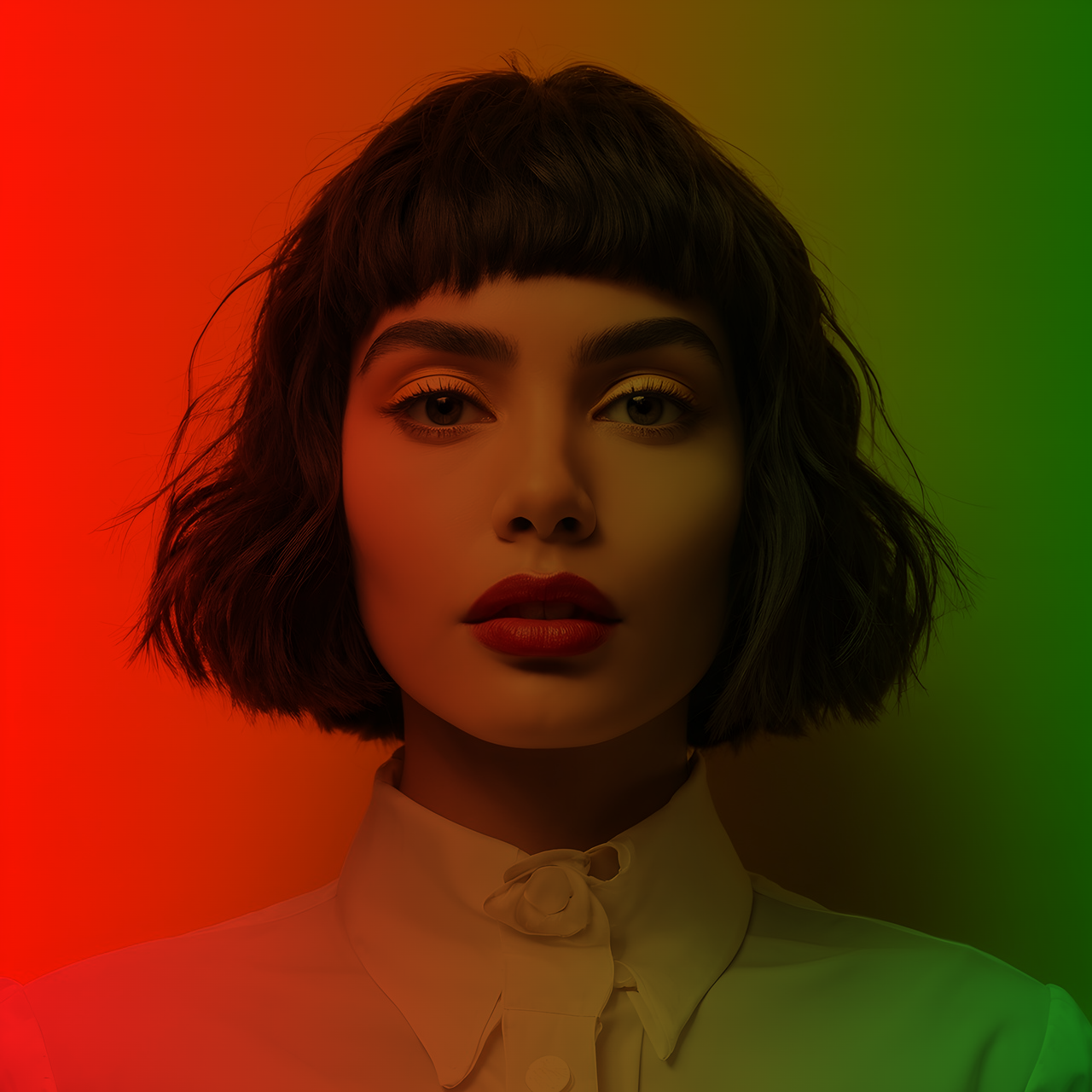
    Control the fiery effect with a simple slider that adjusts the intensity from subtle to blazing. Whether you want a gentle glow or a fierce blaze, the slider gives you full control. Perfect for adding dramatic flair to any photo.

    Add Multiple Filters and Effects

    Add Multiple Filters and Effects

    Beyond the fire effect, choose from a range of additional filters like rainbow, water, lightning, and lines to create unique compositions. You can choose several effects to produce eye-catching visuals. Explore various styles to make your images stand out.

    Incorporate Creative Effects

    Incorporate Creative Effects

    Select from a list of artistic effects to further enhance your image, such as glow, vignette, blur, or sharpen. These effects allow you to personalize your edits and achieve the desired mood or look. Adjust the intensity of each effect for subtle or bold results.

    Crop and Resize Easily

    Crop and Resize Easily

    Crop your image to focus on specific areas or resize it to fit your needs. The cropping tool supports freeform or preset aspect ratios for convenience. Resize images without losing quality, ensuring they are suitable for social media, prints, or other uses.

    Instant Preview and Output

    Instant Preview and Output

    See your edited image in real-time as you apply filters and effects. This instant feedback helps you fine-tune your adjustments before finalizing. Once satisfied, click "Export" to download the high-quality image immediately. The process is fast, with no delays or waiting times.

    Device-Friendly and Free to Use

    Device-Friendly and Free to Use

    The platform is optimized for all devices, including desktops, tablets, and smartphones. It’s completely free, with no hidden charges or subscriptions. The interface is designed to be intuitive and accessible for users of all skill levels.

    thumbnail-img

    How To Add Fire Filter to Image

    1 . Upload your image.
    2 . Use the slider to set the fire effect intensity.
    3 . Add additional filters or effects if required.
    4 . Review the combined effects before finalizing.
    5 . Crop or resize your image to fit your needs.
    6 . When satisfied, click "Export" to download your high-quality, fire-filtered image.

    Frequently Asked Questions


    What formats does the tool support for uploading?

    The tool supports images in JPG format primarily for optimal processing. You can upload images directly from your device, Google Drive, or Dropbox. After editing, you can export in JPG, PNG, or WebP formats. The focus on JPG ensures smooth performance and high quality.

    How do I add a fire effect to my image?

    Upload your image, then use the slider to adjust the fire intensity. Choose additional effects or filters from the list to customize your image further. Preview your edits in real-time and click "Export" when satisfied. Your fire-filtered image will be ready for download instantly.

    Do I need to create an account?

    No registration or login is required. You can start editing immediately after uploading your image. This makes the tool quick to access and easy for casual or occasional users.

    Is my data secure?

    Yes, your images are uploaded over secure connections, and the platform does not store your images beyond your session. Privacy is a priority, ensuring your data remains safe.

    Can I resize my image before applying effects?

    Yes, the crop and resize tools are available before applying filters. Resize your image to fit your needs for social media, printing, or other uses, with no quality loss.

    Is the tool suitable for professional use?

    Absolutely! The tools provide high-quality results suitable for creative projects, social media, marketing, or personal use. It combines ease of use with powerful features.

    How do I save my edited image?

    After finishing your edits, click the "Export" button to download the image directly in your preferred format. No registration or account needed for saving.

    Can I add text or other overlays?

    Currently, the tool focuses on filters and effects like fire, rainbow, and water. Text overlays are not supported; however, you can visit https://safeimagekit.com/draw/add-text-to-image-tool and add text to your images.

    What should I do if the image quality drops after editing?

    The platform preserves high quality during processing. If you notice quality loss, try exporting in a different format or adjusting effect intensities for better results.

    Can I process multiple images at once?

    No, currently, the tool processes one image at a time. You can, however, repeat the process for multiple images manually.

    Is there a limit on image size?

    The tool can handle most standard image sizes comfortably. Extremely large images may take slightly longer to process but are supported.

    How do I add more effects?

    Effects are listed in the menu. Simply select your desired effect from the list and adjust the intensity as needed. New effects may be added in future updates.

    How are fire filters used to add drama or fear to images?

    Dramatic fire filters are a type of post-processing technique used to add a sense of drama and intensity to images that contain fire or flames. These filters can transform an ordinary image into a striking and powerful one by emphasizing the colors and textures of the flames and enhancing the overall mood and atmosphere of the image. Dramatic fire filters are a powerful tool for enhancing images that contain fire or flames. These filters can add a sense of warmth, chaos, power, and movement to an image and create a striking and intense visual experience for the viewer. When used effectively, dramatic fire filters can transform an ordinary image into an extraordinary one and leave a lasting impression on the viewer.

    What is the right way of using this online fire filter?

    The filter works best when applied to an image that has a simple aesthetic, as this provides a more convincing backdrop for the flames. However, it is also possible to apply the filter to an image or video that has a busy background, although this can sometimes detract from the realism of the effect. One of the key factors in creating a convincing fire effect is the accuracy of the flames visuals. The flames should follow a natural aesthetic. Additionally, the transparency of the flames should change as their opacity is reduced or increased. An important aspect of the fire effect filter for images is the choice of background. The filter works best when applied to an image that is simple or has a dramatic feel. This provides a more convincing backdrop for the fire. However, it is also possible to apply the filter to an image that has a busy background, although this can sometimes detract from the realism of the effect.

    What is the need for fire filters?

    One of the needs of a fire filter for images is that it is a fun and easy way to add a touch of excitement to an image. Most photo and editing applications come with a pre-made filter that can be applied with a few clicks, making it possible for even amateur photographers and videographers to create professional-looking fire effects. Computer-generated imagery (CGI) and special effects are a way to create fire images. Using CGI and special effects, a digital artist can create an image that shows fire in a highly stylized and exaggerated manner. This type of image can be used to create a dramatic or surreal effect or to show fire in a way that is not possible with traditional photography. Fire is a powerful and dramatic natural element that has the potential to create stunning visual effects in photographs. The effects of fire in photos can range from subtle enhancements to dramatic transformations that completely alter the mood and tone of an image. In this essay, we will explore the different ways in which fire can impact photos and the various techniques that can be used to capture its effects.

    What are some important features of fire and flame filters?

    One of the most common effects of fire in photos is the warm and vibrant colors that it produces. Flames can create a beautiful warm glow that can add depth and richness to an image. This effect can be further enhanced by shooting at the golden hour, which is the hour before sunset or after sunrise when the light is soft and warm. Another effect of fire in photos is the sense of motion and energy that it creates. Capturing flames in motion can be challenging, but the resulting images can be incredibly dynamic and captivating. To capture this effect, a slow shutter speed can be used to create a sense of motion blur, or multiple exposures can be combined to create a composite image that shows the movement of the flames over time.

    Over 500k Users Rely on Our Image Editing Tools Monthly

    Join a growing community of creators who trust safeimagekit.com for versatile image editing and processing solutions.

    rating-img

    Rate this tool

    Your feedback helps us improve our services

    NaN/5   0 votes

    About The Author

    Suchita Kasab

    Hi, I'm Suchita Kasab. Along with writing, I also enjoy painting. I think I can express myself better through these art forms.

    Contributors