

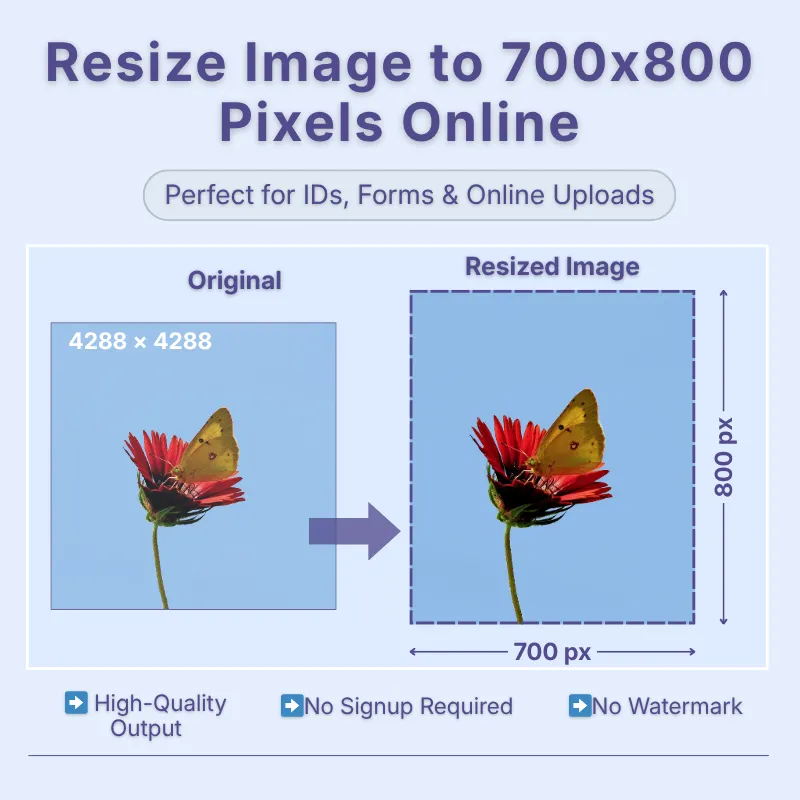
Create images with an exact 700 × 800 pixel resolution in seconds without manually calculating dimensions. This size is suitable for websites, online forms, digital artwork, product images, profile photos, and other projects that require fixed pixel dimensions. Simply upload your image, apply your preferred settings, and download the resized version ready to use.
Get the best results for every image using built-in resize options and output settings. Choose Stretch for exact dimensions, Crop Fit to preserve proportions while filling the frame, or Fixed to keep the entire image visible with optional background padding. You can also adjust the DPI and image quality before downloading to optimize your image for web use, digital sharing, or high-quality printing while balancing sharpness and file size.
Make quick adjustments without opening separate editing software. Rotate, flip, crop, zoom, or change the image shape before downloading your resized image. If your project uses different units, simply switch between pixels, inches, centimeters, and millimeters, making it easy to prepare images for both digital and print requirements.
Upload images from your device, Google Drive, or Dropbox or by using drag-and-drop for a faster workflow. Once resizing is complete, download your image in JPG, JPEG, PNG, WEBP, or GIF, allowing you to choose the format that best suits websites, social media, printing, presentations, or digital artwork.
Resize your images online without installing software or creating an account at no cost. The tool works directly in your browser, processes images securely, and is designed to protect your privacy throughout the resizing process. Whether you're resizing one image or working on multiple projects, you can quickly generate accurate 700 × 800 pixel images without compromising convenience or security.
Access the image resizer from smartphones, tablets, laptops, or desktop computers using any modern web browser. The responsive interface lets you resize images whenever and wherever you need, making it convenient for work, study, business, or personal projects without being limited to a specific operating system or device.
Other useful information
Explore our visual guides and infographics
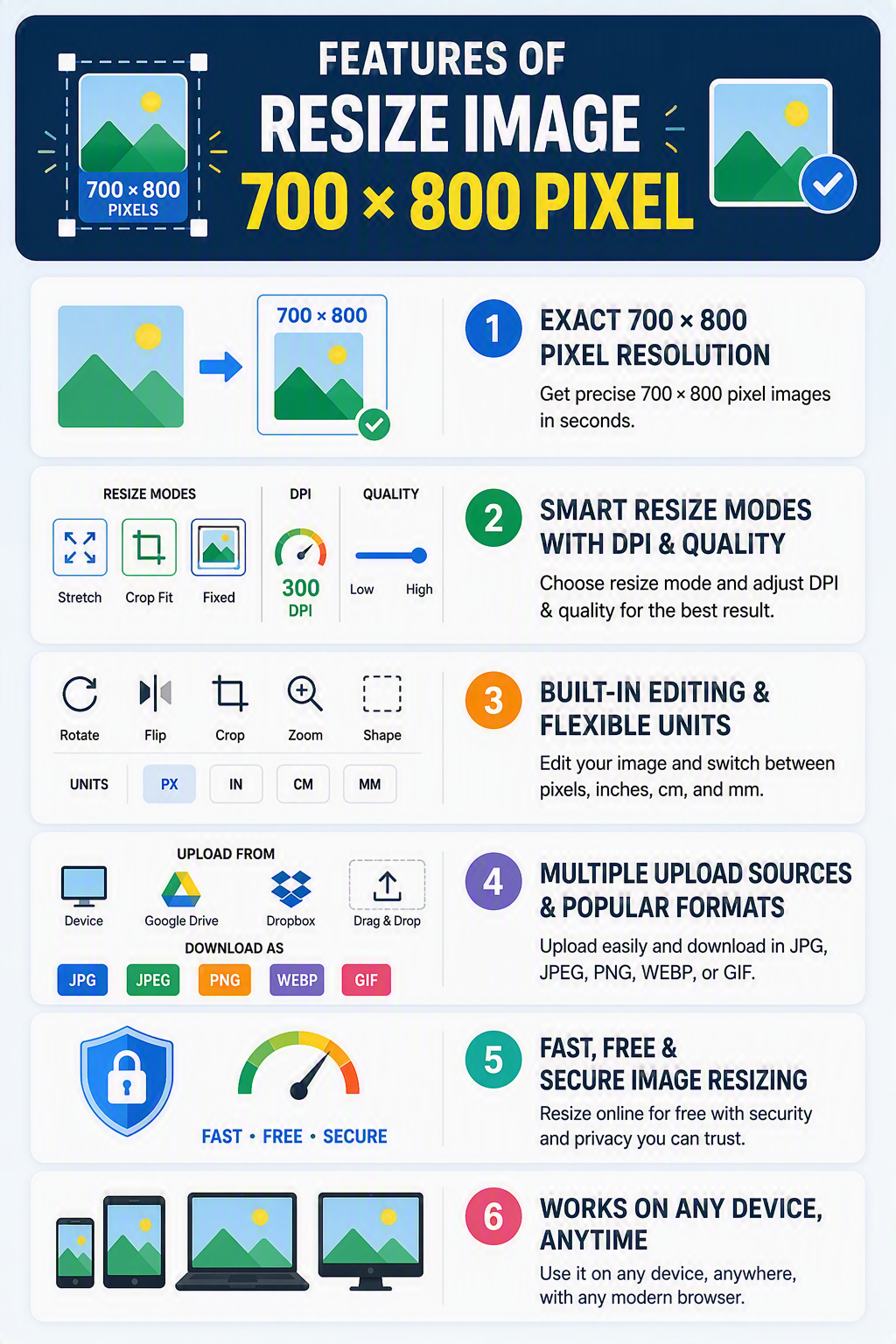
The infographic presents useful resizing options for creating 700×800 pixel images.
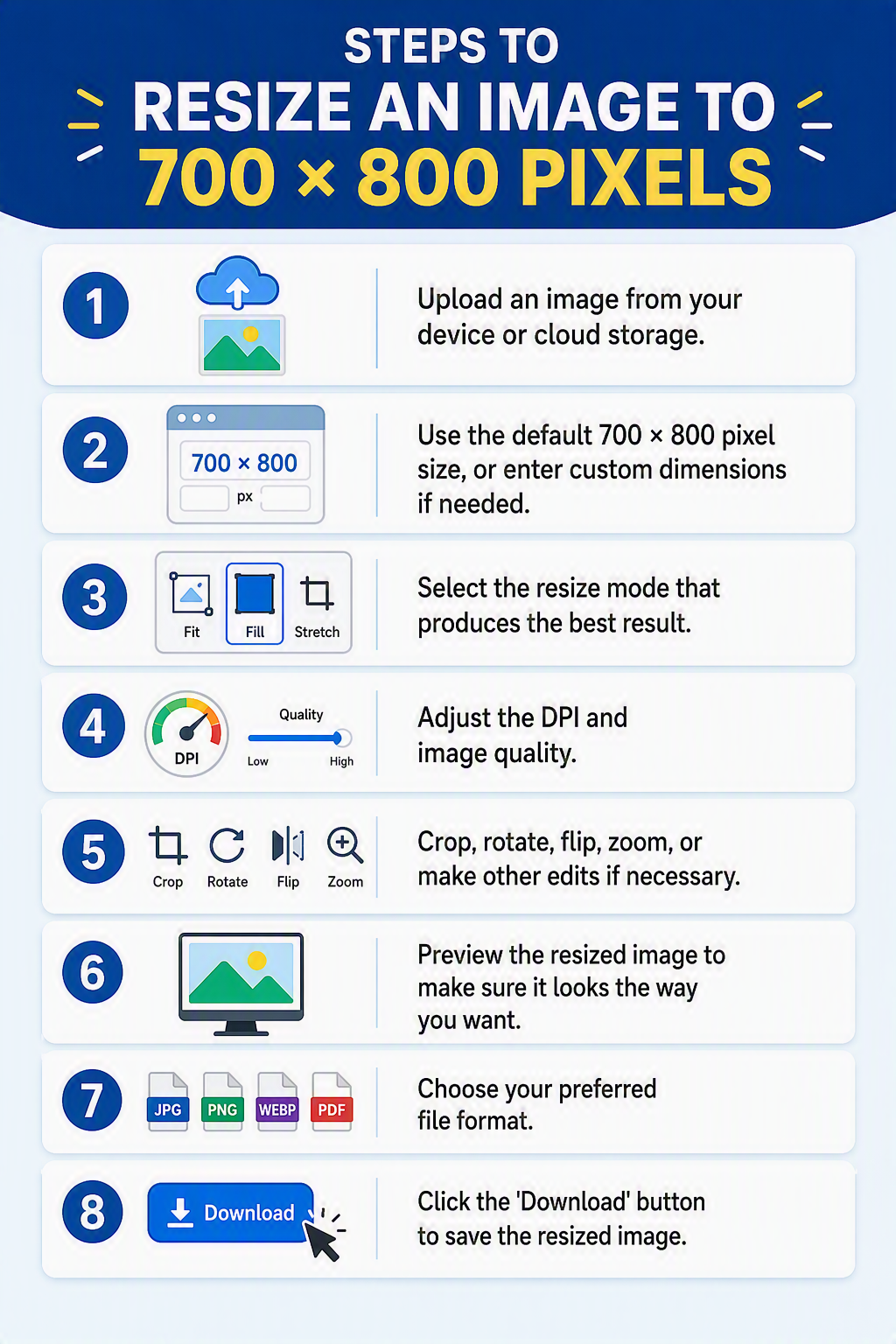
The infographic outlines how to set and apply 700×800 pixel dimensions to an image.
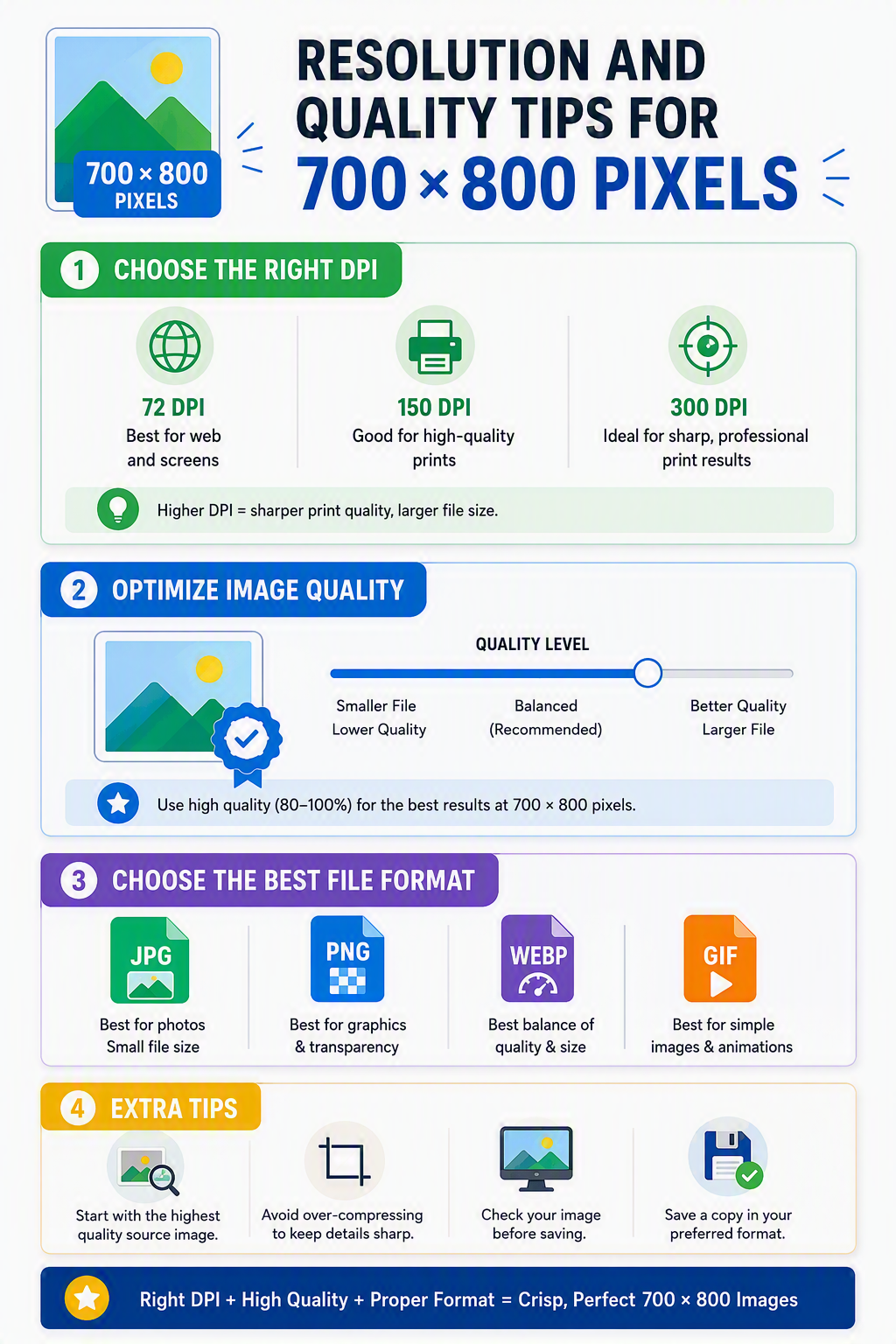
The infographic shares practical tips for balancing resolution and image quality at 700×800 pixels.
Frequently Asked Questions
A 700 × 800 pixel image has a width of 700 pixels and a height of 800 pixels, creating a 7:8 aspect ratio. It is commonly used for profile images, website graphics, product photos, digital artwork, online forms, and projects that require fixed pixel dimensions.
Upload your image, keep the default 700 × 800 pixel dimensions or enter custom dimensions if needed, choose the resize mode, and adjust the DPI and image quality if required, then download the resized image. You can also crop, rotate, flip, or zoom before saving.
Yes. Reducing an image to 700 × 800 pixels usually preserves image quality. Enlarging a very small image may reduce sharpness because additional pixels must be generated. Using a high-resolution source image produces the best results.
Choose the resize mode according to your image. Stretch – Resizes directly to 700 × 800 pixels. Crop Fit – Preserves the aspect ratio while filling the frame. Fixed – Keeps the complete image visible by adding background padding when needed.
Only if you choose Crop Fit. This mode may trim small portions of the image to completely fill the 700 × 800 pixel frame. If you want to keep the entire image visible, choose Fixed mode instead.
Yes. The final file size depends on the new dimensions, image quality, DPI, and output format you choose.
Yes. The tool works on smartphones, tablets, laptops, and desktop computers directly in your web browser.
A 700 × 800 pixel image is commonly used for website graphics, profile pictures, online forms, digital artwork, product images, portfolios, business directories, presentations, and custom upload requirements where consistent image dimensions are important.
A 700 × 800 pixel image has a 7:8 aspect ratio, meaning the width is slightly smaller than the height. This portrait-oriented ratio is suitable for many digital and web-based applications.
Yes. Portrait, landscape, and square images can all be resized to 700 × 800 pixels. The resize mode you select determines whether the image is stretched, cropped, or fitted with background padding.
Many websites, online applications, digital platforms, and design templates require specific pixel dimensions. Resizing your image to 700 × 800 pixels helps meet those requirements while avoiding upload errors, unexpected cropping, or distorted images.
Yes, but enlarging a low-resolution image may reduce sharpness or create visible pixelation. Starting with a larger, high-quality image generally produces better results.
Yes. Many online stores prefer consistent image dimensions for cleaner product galleries. Resizing your product photos to 700 × 800 pixels creates a more uniform appearance while meeting platform requirements.
Yes. If a website or application accepts portrait-oriented profile images, 700 × 800 pixels provides a clear and balanced image with good detail.
Choose JPG for photographs, PNG for graphics with transparent backgrounds, WEBP for smaller web-friendly files, and GIF for simple animated images. Selecting the correct format helps improve compatibility and file efficiency.
Yes. Many websites, portals, and online forms specify exact pixel dimensions for uploaded images. Resizing your image to 700 × 800 pixels before uploading helps ensure it meets those requirements.
Yes, but the print size depends on the selected DPI. At 300 DPI, a 700 × 800 pixel image prints at approximately 2.33 × 2.67 inches, making it suitable for small, high-quality prints.
If your resized image is still too large for uploading, use our Compress Image tool to reduce the file size while maintaining good visual quality.
Need to resize several images at once? Use our Multi-Image Resizer to process multiple files simultaneously instead of resizing them individually.
Over 500k Users Rely on Our Image Editing Tools Monthly
Join a growing community of creators who trust safeimagekit.com for versatile image editing and processing solutions.